
Blog · Event Planning
Guest Camera for Events: Beyond Weddings
Learn how guest camera technology can elevate non-wedding events like birthdays, corporate gatherings, and anniversaries with authentic, crowd-sourced photography.
· 5 min read · WedPOV Team
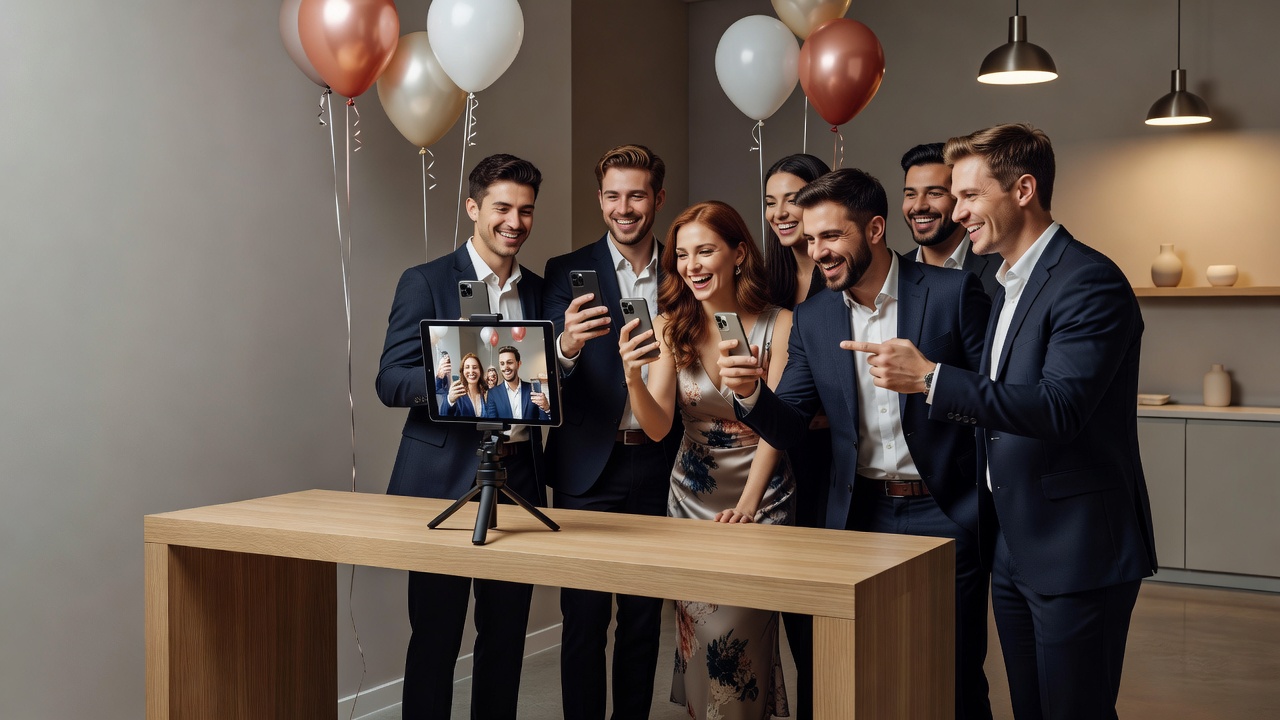
Guest Camera for Events: Capturing Moments Beyond the Wedding Aisle
Quick Answer: A guest camera for events lets attendees capture candid photos and videos using shared devices or their own smartphones, creating authentic memories at birthdays, corporate events, and anniversaries without hiring a professional photographer.
Introduction
When people hear "guest camera," weddings usually come to mind. But the same technology that captures candid moments at receptions works brilliantly for other celebrations too. Whether you're planning a milestone birthday, a corporate retreat, or a golden anniversary, a guest camera for events helps you collect genuine memories from every angle.
This guide explores how guest camera technology applies across different event types, practical setup tips, and why it's becoming the go-to solution for event hosts who want authentic documentation without the professional photographer price tag.
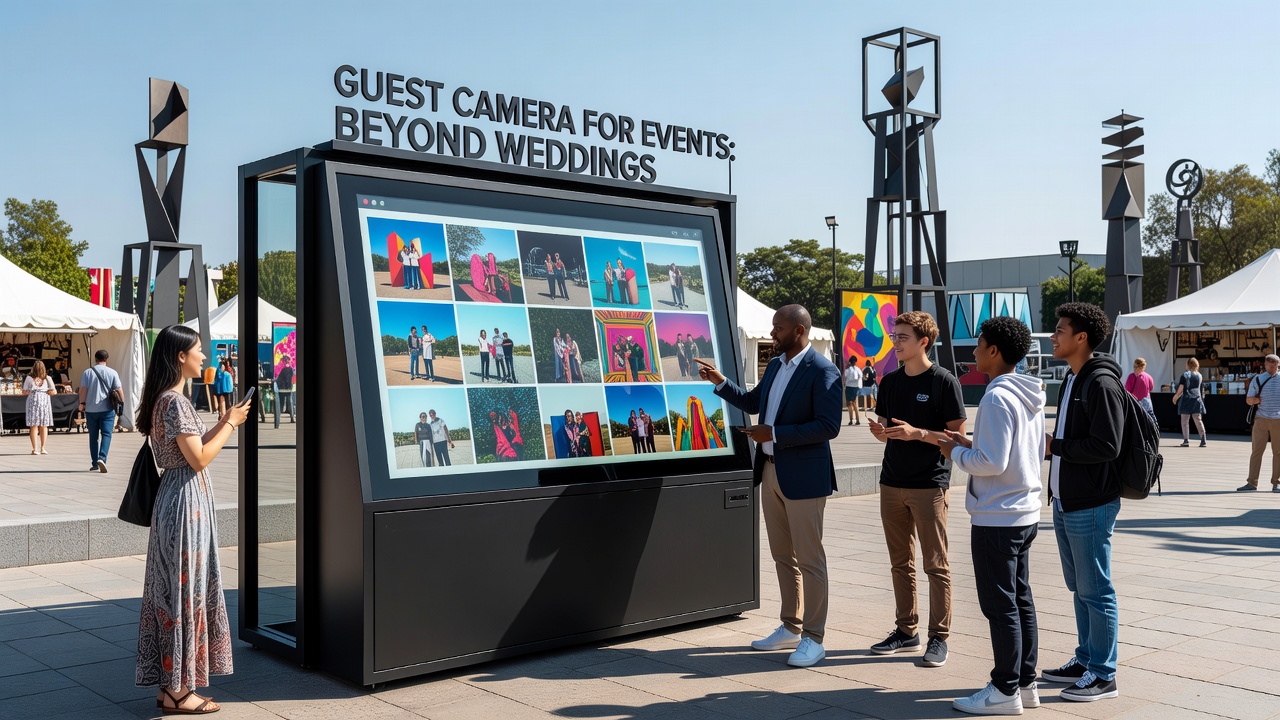
What Is a Guest Camera for Events?
A guest camera is any photography solution that invites attendees to capture moments during an event. This includes:
- Dedicated devices: Tablets or instant cameras placed at strategic locations
- Shared apps: Platforms like WedShoots, The Guest, or Eversnap where guests upload photos
- QR code systems: Simple links that let guests contribute to a shared album
- Disposable cameras: Old-school film cameras passed between tables
The technology has evolved from simple disposable cameras to sophisticated apps with real-time sharing, AI curation, and cloud storage. Modern solutions let guests upload photos instantly, creating a collaborative album that captures moments the official photographer might miss.
Why Use a Guest Camera for Non-Wedding Events?
Professional event photography can cost $500-$3,000 depending on duration and location. A guest camera for events offers several compelling advantages:
- Cost-effective: Many apps are free or cost under $50 for premium features
- Authentic perspectives: Guests capture genuine smiles, not posed shots
- Comprehensive coverage: Multiple people shooting means no missed moments
- Immediate sharing: Photos appear in real-time, perfect for social media
- Less intrusive: No professional photographer hovering during intimate moments
Research from EventMB shows that 73% of event attendees prefer candid photos over staged shots, making guest photography increasingly valuable for any gathering.
Birthday Celebrations: Milestones Worth Remembering
First Birthdays and Kids' Parties
For a child's first birthday, parents are already juggling cake, guests, and a messy, excited toddler. A guest camera setup means friends and family capture the cake smash, first steps on the grass, and grandparents' reactions—all while parents stay present in the moment.
Best setup: Place a tablet near the gift table with a simple photo booth app. Parents get instant uploads, and the birthday child isn't distracted by a professional camera.
Milestone Birthdays (21st, 30th, 50th, 80th)
Milestone birthdays deserve documentation, but hiring a photographer for a casual backyard BBQ feels excessive. A guest camera for events bridges this gap:
- 21st birthdays: Friends capture the night's energy without staged group shots
- 50th anniversaries: Children and grandchildren contribute photos showing multi-generational connections
- 80th celebrations: Elderly guests comfortable with simple tablets rather than smartphone apps
Pro tip: For older guests, provide printed instructions next to the device. A simple "Tap here, then tap the camera button" card eliminates tech anxiety.
Corporate Events: Building Culture Through Candid Moments
Team Building Retreats
Corporate retreats aim to build relationships, not just hit KPIs. A guest camera captures the genuine laughter during trust falls, the concentration during problem-solving challenges, and the relaxed conversations at evening bonfires.
Unlike official event photographers who focus on staged group shots and keynote speakers, guest cameras document the culture-building moments that matter for internal communications and recruitment materials.
Product Launches and Trade Shows
For product launches, guest cameras serve dual purposes:
- Internal documentation: Capture genuine customer reactions for future marketing
- Social proof: Real-time photos from attendees provide authentic content for brand social channels
- Lead generation: Branded photo galleries with opt-in contact collection
Example: A software company launching a new CRM tool set up a guest camera station at their booth. Attendees photographed themselves using the product, creating authentic social media content that outperformed polished stock photography by 340% in engagement metrics.
Company Anniversaries and Celebrations
When a company hits 10, 25, or 50 years, employees have stories worth capturing. A guest camera for events lets long-time staff share memories alongside current celebrations, creating a living history document that formal photography cannot replicate.
Anniversaries: Romantic and Family Milestones
Vow Renewals and Romantic Celebrations
Vow renewals often feel more intimate than weddings. Couples want to focus on each other, not pose for hundreds of photos. A guest camera setup near the ceremony or reception entrance lets guests document genuine emotion without intrusion.
Family Reunions
Family reunions span generations and locations. The grandmother meeting her great-grandchild for the first time, cousins reconnecting after decades, the family patriarch telling stories—these moments happen spontaneously. A guest camera ensures someone captures them without a photographer disrupting natural interactions.
Practical approach: Create a shared album before the reunion and share the link in the family group chat. Guests upload photos throughout the weekend, building a collective memory book.
How Guest Camera Technology Works Across Event Types
The same underlying technology powers guest photography at weddings, birthdays, corporate events, and anniversaries. Understanding the mechanics helps you choose the right solution:
QR Code Systems
Guests scan a QR code and upload photos directly to a cloud album. Works for any event type, requires no app installation, and accommodates guests with any smartphone generation.
Dedicated App Platforms
Apps like WedShoots (wedding-focused but adaptable), The Guest (general events), and Eversnap create branded galleries with moderation tools. Corporate events benefit from custom branding; family celebrations appreciate simple sharing options.
Instant Print Stations
Cameras with immediate printing (like Fujifilm Instax or Polaroid stations) work across all event types but shine at anniversaries and corporate events where physical souvenirs matter.
AI-Powered Curation
Modern platforms use AI to filter duplicates, select the best shots, and even generate highlight reels. This technology applies universally but particularly helps large corporate events where guests upload thousands of photos.
Setting Up a Guest Camera for Different Event Types
Birthday Party Setup
- Location: Near the cake table and entrance
- Device: Tablet with a photo booth app or QR code link
- Instructions: Simple card: "Take a photo, add to the album!"
- Backup: Designate one tech-savvy friend as the photo coordinator
Corporate Event Setup
- Branding: Custom app skin with company colors and logo
- Lead capture: Optional email collection before photo upload
- Moderation: Enable photo approval for professional contexts
- Distribution: Automated email with gallery link post-event
Anniversary Setup
- Sentimentality: Include a "Memory Wall" where guests photograph old photos for digital archiving
- Accessibility: Large buttons, simple interfaces for elderly guests
- Preservation: Automatic cloud backup—anniversary photos become family heirlooms
Common Mistakes to Avoid
- Poor lighting: Place devices near natural light or provide ring lights
- Complicated instructions: If setup requires more than two steps, guests won't participate
- No backup plan: Have a second device ready; technical failures happen
- Forgetting elderly guests: Offer assistance or alternative participation methods
- Neglecting privacy: For corporate events, clarify photo usage rights upfront
Key Takeaways
- A guest camera for events works for any celebration, not just weddings, providing cost-effective and authentic memory capture.
- Birthday parties benefit from candid moments during cake cutting and gift opening that professional photographers might miss.
- Corporate events use guest cameras for culture building, social proof, and recruitment content with higher engagement than staged photography.
- Anniversaries and family reunions capture multi-generational connections naturally without disrupting intimate moments.
- Modern guest camera technology—including QR codes, AI curation, and instant sharing—applies universally across event types.
- Success depends on simple setup, clear instructions, and accessibility for all guest demographics.
Frequently Asked Questions
What is a guest camera for events?
A guest camera is a shared photography solution that lets event attendees capture and upload candid photos using dedicated devices, smartphone apps, or QR code systems. It creates collaborative albums without requiring a professional photographer.
How much does a guest camera setup cost?
Basic QR code systems are free. Premium apps cost $20-$100 depending on features. Physical instant camera stations range from $200-$800 including equipment rental. All options remain significantly cheaper than professional event photography.
Do guests need special apps for a guest camera?
Not necessarily. QR code systems work through any web browser. However, dedicated apps like The Guest or WedShoots offer better organization, real-time sharing, and AI curation features that enhance the experience.
Can a guest camera work for large corporate events?
Yes. Enterprise platforms support thousands of concurrent uploads with moderation tools, custom branding, and lead generation integrations. AI curation helps manage high photo volumes automatically.
What about elderly guests who aren't tech-savvy?
Provide printed instructions with large text, designate a helper, or use instant print cameras that require no digital interaction. The key is offering multiple participation methods for different comfort levels.
How do I prevent inappropriate photos in a corporate setting?
Choose platforms with moderation features requiring approval before photos appear in public galleries. Set clear expectations in pre-event communications about appropriate content.
Can guest camera photos replace a professional photographer?
For casual events, often yes. For formal occasions requiring specific shots (corporate headshots, staged family portraits), guest cameras complement rather than replace professional services.
How quickly can guests access photos after the event?
Modern platforms offer immediate access. QR code uploads appear instantly. Some apps generate highlight reels within hours. Physical instant cameras provide tangible photos immediately.
What happens to photos after the event?
Most platforms store photos in cloud galleries for 30 days to one year. Download all photos within a week post-event. Some premium services offer permanent archival storage for an additional fee.
Can I use a guest camera for virtual or hybrid events?
Yes. Guests at home can upload screenshots, photos of their viewing setup, or images shared through video calls. Hybrid events benefit from capturing both in-person and remote participant perspectives.
Conclusion
The guest camera for events has evolved far beyond its wedding origins. Whether you're celebrating a milestone birthday, building company culture at a retreat, or documenting a family reunion, this technology offers authentic, cost-effective memory capture that professional photography often cannot replicate.
By understanding how guest camera technology adapts across different event types—from simple QR code uploads for birthdays to branded enterprise solutions for corporate gatherings—you can choose the right approach for your specific celebration. The key is keeping setup simple, instructions clear, and participation accessible for every guest.
Ready to capture your next event authentically? Explore our event photography solutions and discover how a guest camera can transform your upcoming celebration into a collaboratively documented memory.
Quick answers
- What is a guest camera for events?
- A guest camera is a shared photography solution that lets event attendees capture and upload candid photos using dedicated devices, smartphone apps, or QR code systems. It creates collaborative albums without requiring a professional photographer.
- How much does a guest camera setup cost?
- Basic QR code systems are free. Premium apps cost $20-$100 depending on features. Physical instant camera stations range from $200-$800 including equipment rental. All options remain significantly cheaper than professional event photography.
- Do guests need special apps for a guest camera?
- Not necessarily. QR code systems work through any web browser. However, dedicated apps like The Guest or WedShoots offer better organization, real-time sharing, and AI curation features that enhance the experience.
- Can a guest camera work for large corporate events?
- Yes. Enterprise platforms support thousands of concurrent uploads with moderation tools, custom branding, and lead generation integrations. AI curation helps manage high photo volumes automatically.
- What about elderly guests who aren't tech-savvy?
- Provide printed instructions with large text, designate a helper, or use instant print cameras that require no digital interaction. The key is offering multiple participation methods for different comfort levels.
- How do I prevent inappropriate photos in a corporate setting?
- Choose platforms with moderation features requiring approval before photos appear in public galleries. Set clear expectations in pre-event communications about appropriate content.
- Can guest camera photos replace a professional photographer?
- For casual events, often yes. For formal occasions requiring specific shots (corporate headshots, staged family portraits), guest cameras complement rather than replace professional services.
- How quickly can guests access photos after the event?
- Modern platforms offer immediate access. QR code uploads appear instantly. Some apps generate highlight reels within hours. Physical instant cameras provide tangible photos immediately.
- What happens to photos after the event?
- Most platforms store photos in cloud galleries for 30 days to one year. Download all photos within a week post-event. Some premium services offer permanent archival storage for an additional fee.
- Can I use a guest camera for virtual or hybrid events?
- Yes. Guests at home can upload screenshots, photos of their viewing setup, or images shared through video calls. Hybrid events benefit from capturing both in-person and remote participant perspectives.