
Blog · Photography Tips
How to Combine a Pro Photographer with Guest Cameras
Discover how combining a professional photographer with guest cameras creates complete, authentic event coverage. This guide covers coordination strategies, role definitions, and practical tips for seamless dual photography.
· 5 min read · WedPOV Team
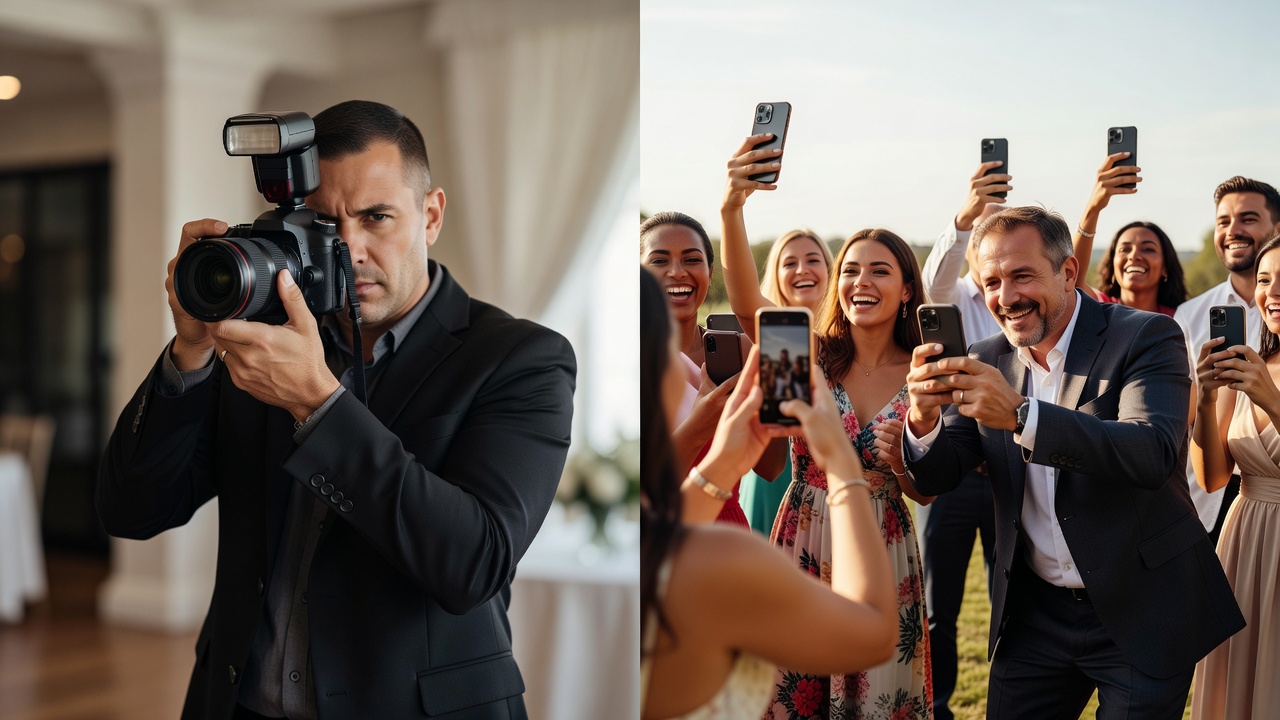
How to Combine a Professional Photographer with a Guest Camera for Complete Event Coverage
Quick Answer: A photographer plus guest camera setup combines professional-quality formal shots with candid guest perspectives, giving you comprehensive event documentation. The pro handles posed portraits and key moments, while guest cameras capture spontaneous interactions and behind-the-scenes moments neither could achieve alone.
Introduction: The Best of Both Worlds
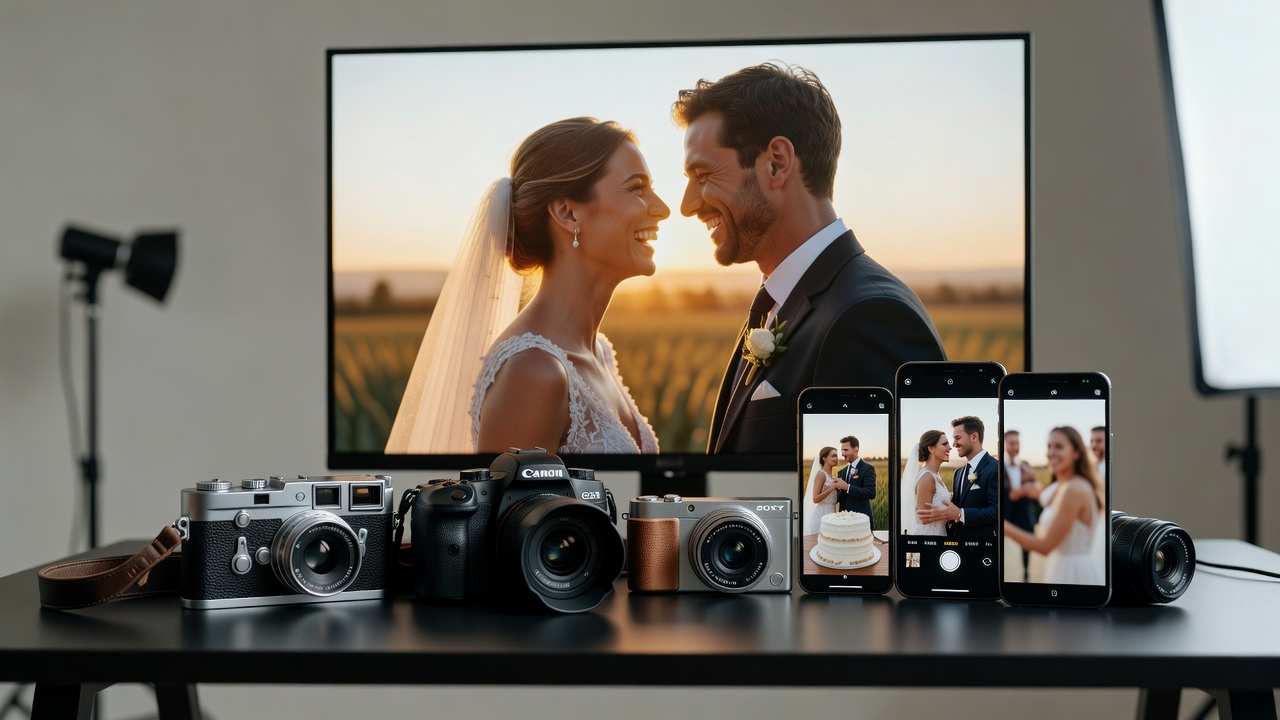
When documenting events like weddings, corporate gatherings, or milestone celebrations, you face a choice. Hire a professional photographer for polished, high-quality images, or rely on guest cameras for authentic, candid moments. But this isn't an either-or decision.
The smartest approach? A photographer plus guest camera strategy that leverages both strengths. Professional photography delivers consistent, technically excellent images. Guest photography provides raw, emotional moments from perspectives the pro simply can't access simultaneously.
This guide explains how these two approaches complement each other, practical coordination strategies, and common pitfalls to avoid when combining professional and amateur coverage.
What Is a Photographer Plus Guest Camera Strategy?
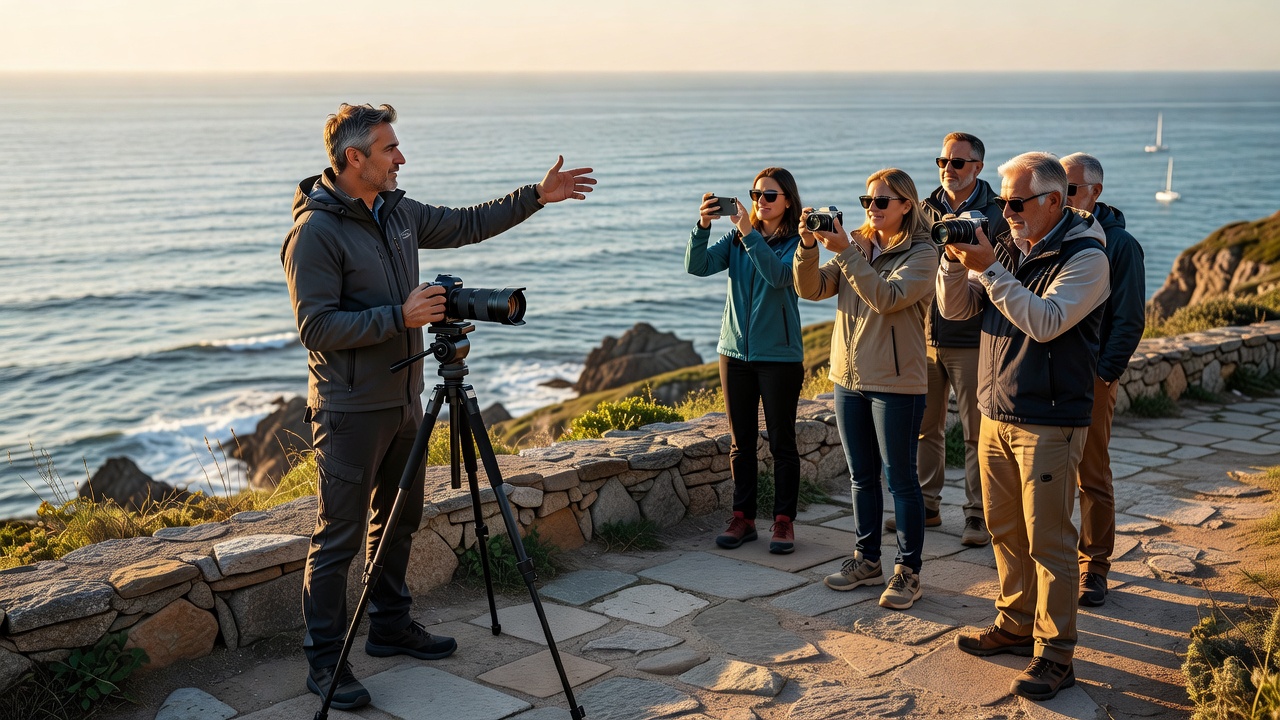
A photographer plus guest camera approach means intentionally coordinating a hired professional photographer alongside guest-contributed photography. The professional manages the primary visual narrative—key moments, formal portraits, and artistic compositions. Meanwhile, attendees capture spontaneous moments from their unique vantage points.
This isn't about guests competing with the pro. It's about creating a multi-dimensional record of your event that no single photographer could produce alone.
Why One Photographer Can't Do It All
Even the most skilled professional photographer has limitations:
- Physical presence: One person can't be in multiple places simultaneously
- Social dynamics: Guests behave differently around hired professionals
- Access to intimate moments: A pro isn't present during dressing preparations or late-night conversations
- Perspective diversity: Guest cameras capture viewpoints from inside social groups
Professional photography excels at planned moments. Guest photography excels at unplanned ones. Together, they solve the coverage problem neither can solve independently.
The Complementary Value: What Each Approach Delivers
What Professional Photography Brings
Professional photographers deliver:
- Technical consistency: Proper exposure, focus, and color across all images
- Artistic composition: Framing, lighting, and storytelling through visual craft
- Reliability: Backup equipment, professional editing, and guaranteed deliverables
- Posed and formal coverage: Group shots, portraits, and staged moments
- Key moment capture: Ceremony entrances, first dances, speeches, cake cutting
The professional ensures you have beautiful, usable images regardless of lighting conditions or timeline constraints. [Internal link: related article on choosing a professional event photographer]
What Guest Photography Brings
Guest cameras contribute:
- Candid authenticity: Genuine reactions, laughter, tears—unposed and unfiltered
- Multiple perspectives: Simultaneous coverage of different event areas
- Insider access: Moments the pro isn't invited to witness
- Social context: Images that show relationships and group dynamics
- Unexpected moments: Surprises, spontaneous dancing, unplanned interactions
Guest photography often produces the most emotionally resonant images precisely because guests aren't thinking like photographers—they're participating in the moment.
Where They Overlap (And Why That's Good)
Some moments naturally attract both professional and guest attention—first kisses, bouquet tosses, emotional reactions. This overlap provides insurance: if the professional misses focus or a guest shoots from a better angle, you still have the moment covered.
Redundant coverage of key moments is a feature, not a bug. It lets you choose the best version during editing and review.
How to Coordinate Professional and Guest Coverage
Define Clear Roles Before the Event
Successful dual coverage starts with clear communication. Share these guidelines with guests:
- Let the professional handle formal portraits and staged group shots
- Guests should avoid competing with the pro during key moments
- Encourage candid, behind-the-scenes, and spontaneous photography
- Designate specific times as "guest camera free-for-all" (dancing, cocktail hour)
Consider posting simple signage: "Pro photographer capturing formal portraits—please keep phones down during ceremony. Candid shots welcome during reception!"
Communicate with Your Professional Photographer
Discuss guest photography with your hired professional beforehand. Most experienced photographers are comfortable with guest cameras if roles are clear. Ask about:
- Their preference for guest photography during formal portraits
- Whether they have a second shooter who can cover different angles
- How they handle guests with large tablets or bright screens during ceremonies
- Their policy on guests using flash alongside their professional lighting
Some photographers offer packages that include a second professional shooter, reducing the need for guest camera reliance while maintaining the multi-perspective benefit.
Set Up a Centralized Collection System
Guest photos scattered across individual phones benefit nobody. Create a simple collection method:
- Shared album apps: Google Photos, Apple Shared Albums, or dedicated event apps
- QR codes: Place QR codes linking to upload folders on tables and programs
- Hashtag strategy: Create an event hashtag for social media aggregation
- Post-event collection: Send a follow-up email with upload instructions
Apps like WeddingWire, The Knot, or WedShoots (by WeddingWire) provide built-in guest photo collection with moderation features.
Provide Guest Photography Guidelines
Give guests simple direction without being prescriptive:
- Do: Capture reactions, candid conversations, decor details, and your own perspective
- Don't: Block the professional's shots, use flash during ceremonies, or spend the whole event behind a screen
- Tip: Take photos early in the event before phones go into pockets and purses
Remember: guests are there to celebrate, not to work. Keep guidelines brief and encouraging.
Common Mistakes When Combining Pro and Guest Coverage
Mistake 1: Treating Them as Competitors
The biggest error is framing professional and guest photography as mutually exclusive choices. This creates tension, reduces guest participation, and wastes the complementary value. Embrace both as contributors to a complete visual record.
Mistake 2: Not Communicating Roles Clearly
Without guidance, guests may try to replicate professional shots during formal moments, creating duplicate work and potentially blocking the pro's sightlines. Clear communication prevents this.
Mistake 3: Neglecting Guest Photo Collection
Guest photos that never leave individual phones are lost documentation. Always set up a collection system before the event, not after, when enthusiasm and memory fade.
Mistake 4: Choosing Price Over Professional Experience
Guest cameras supplement—they don't replace—professional coverage. A photographer plus guest camera strategy works because the professional anchor is skilled and reliable. Skimping on the pro while expecting guests to fill gaps usually disappoints.
Practical Implementation Tips
For Weddings
- Assign a trusted friend to coordinate guest photo uploads post-event
- Place disposable cameras or encourage instant film for vintage candid shots
- Schedule a "photo hour" during cocktail time where guests actively document decor and details
- Ask the pro to capture guest camera users in action for meta-documentary shots
For Corporate Events
- Hire the pro for headshots, stage presentations, and formal networking
- Encourage employees to share candid office culture and behind-the-scenes moments
- Use guest photos for internal communications and social media (with permission)
- Create a branded hashtag for easy aggregation
For Family Celebrations
- Designate different family members to cover different rooms or activities
- Capture generational perspectives—grandparents, parents, and children see the same event differently
- Consider a photo scavenger hunt to encourage specific candid captures
Key Takeaways
- A photographer plus guest camera strategy combines professional quality with candid authenticity for complete event coverage
- Professionals excel at technical consistency, formal portraits, and key moments; guests excel at spontaneity, multiple perspectives, and insider access
- Clear role definition and communication prevent conflict and ensure both photography types succeed
- Set up a centralized photo collection system before the event to preserve guest contributions
- Guest photography supplements but cannot replace skilled professional coverage for important events
- Treat dual coverage as collaboration, not competition, for the best results
- Provide simple guidelines to guests—encourage candid shots while respecting the professional's formal coverage moments
Frequently Asked Questions
Will guest cameras ruin my professional photographer's shots?
Not if you communicate clear roles. Ask guests to avoid flash and large screens during ceremonies and formal portraits. Experienced professionals are skilled at working around discreet phone photography, especially during receptions and candid moments.
How do I collect photos from guests after the event?
Use shared album apps like Google Photos or Apple Shared Albums, create a custom hashtag for social media aggregation, or use dedicated wedding/event apps with built-in guest photo features. Place QR codes on tables linking to upload folders for easy access.
Should I hire a second professional photographer instead of relying on guests?
A second professional provides consistent quality and reliable coverage from multiple angles. However, they can't replicate the insider perspective and spontaneous authenticity of guest photography. The ideal approach often combines a second pro for key moments with guest cameras for candid coverage.
What should I tell guests about taking photos?
Keep it simple: encourage candid shots of people, reactions, and behind-the-scenes moments. Ask them to avoid blocking the professional during formal portraits and ceremonies. Remind them to enjoy the event first and photograph second.
Can guest photos match professional quality?
Modern smartphones produce excellent images in good lighting, but professional cameras, lenses, and editing workflows deliver superior consistency, especially in challenging lighting. Guest photos excel at authenticity and unique perspectives, not technical perfection.
How many guest photos should I expect to collect?
This varies by event size and guest engagement. A wedding with 100 guests might yield 200-500 guest photos if collection is easy and encouraged. Corporate events with assigned photo tasks may generate more structured submissions.
What are the best apps for collecting guest photos?
Popular options include Google Photos shared albums (free, universal), WeddingWire's WedShoots (wedding-specific), Apple Shared Albums (iOS users), and custom solutions like The Guest or Eversnap. Choose based on your guests' likely tech comfort level.
Should guests use flash photography alongside the professional?
Generally, no. Multiple flash sources create inconsistent lighting and can confuse the professional's camera settings. Ask guests to disable flash and rely on natural light or venue lighting, which produces more flattering results anyway.
How do I balance photography with being present at my own event?
Hire a professional precisely so you don't have to manage photography. For hosts, delegate guest photo coordination to a trusted friend or family member. The goal is complete coverage without anyone (especially you) spending the event behind a camera.
Are there privacy concerns with guest photography?
Yes. Not all guests want their photos shared publicly. Establish clear consent expectations: specify whether guest photos are for personal use only, social media sharing, or broader distribution. Consider including photography preferences on invitations or event programs.
Conclusion: A Complete Picture
The photographer plus guest camera approach isn't about choosing sides—it's about creating a complete, multi-dimensional record of your event. Professional photography anchors your visual story with quality and consistency. Guest photography adds the spontaneous, emotional moments that make events memorable.
With clear communication, defined roles, and a simple collection system, you can harness both approaches without conflict or compromise. The result? Event documentation that captures not just how things looked, but how they felt—from every angle and every perspective.
Ready to plan your event photography strategy? Start by booking a professional photographer who understands collaborative coverage, then set up your guest collection system early. Your future self, reviewing the complete album, will thank you.
Quick answers
- Will guest cameras ruin my professional photographer's shots?
- Not if you communicate clear roles. Ask guests to avoid flash and large screens during ceremonies and formal portraits. Experienced professionals are skilled at working around discreet phone photography, especially during receptions and candid moments.
- How do I collect photos from guests after the event?
- Use shared album apps like Google Photos or Apple Shared Albums, create a custom hashtag for social media aggregation, or use dedicated wedding/event apps with built-in guest photo features. Place QR codes on tables linking to upload folders for easy access.
- Should I hire a second professional photographer instead of relying on guests?
- A second professional provides consistent quality and reliable coverage from multiple angles. However, they can't replicate the insider perspective and spontaneous authenticity of guest photography. The ideal approach often combines a second pro for key moments with guest cameras for candid coverage.
- What should I tell guests about taking photos?
- Keep it simple: encourage candid shots of people, reactions, and behind-the-scenes moments. Ask them to avoid blocking the professional during formal portraits and ceremonies. Remind them to enjoy the event first and photograph second.
- Can guest photos match professional quality?
- Modern smartphones produce excellent images in good lighting, but professional cameras, lenses, and editing workflows deliver superior consistency, especially in challenging lighting. Guest photos excel at authenticity and unique perspectives, not technical perfection.
- How many guest photos should I expect to collect?
- This varies by event size and guest engagement. A wedding with 100 guests might yield 200-500 guest photos if collection is easy and encouraged. Corporate events with assigned photo tasks may generate more structured submissions.
- What are the best apps for collecting guest photos?
- Popular options include Google Photos shared albums (free, universal), WeddingWire's WedShoots (wedding-specific), Apple Shared Albums (iOS users), and custom solutions like The Guest or Eversnap. Choose based on your guests' likely tech comfort level.
- Should guests use flash photography alongside the professional?
- Generally, no. Multiple flash sources create inconsistent lighting and can confuse the professional's camera settings. Ask guests to disable flash and rely on natural light or venue lighting, which produces more flattering results anyway.
- How do I balance photography with being present at my own event?
- Hire a professional precisely so you don't have to manage photography. For hosts, delegate guest photo coordination to a trusted friend or family member. The goal is complete coverage without anyone (especially you) spending the event behind a camera.
- Are there privacy concerns with guest photography?
- Yes. Not all guests want their photos shared publicly. Establish clear consent expectations: specify whether guest photos are for personal use only, social media sharing, or broader distribution. Consider including photography preferences on invitations or event programs.