
Blog · Wedding Planning
How to Share Wedding Photos with Guests in Real Time
Discover the best ways to share wedding photos with guests in real time using QR code galleries, live photo walls, and dedicated apps. This complete guide covers setup steps, guest instructions, and etiquette tips for seamless instant photo sharing on your big day.
· 5 min read · WedPOV Team

How to Share Wedding Photos with Guests in Real Time
Quick Answer: To share wedding photos with guests in real time, create a QR code-linked gallery using a photo-sharing app or service, display the code at your venue, and encourage guests to upload and view photos instantly during the celebration.
Introduction
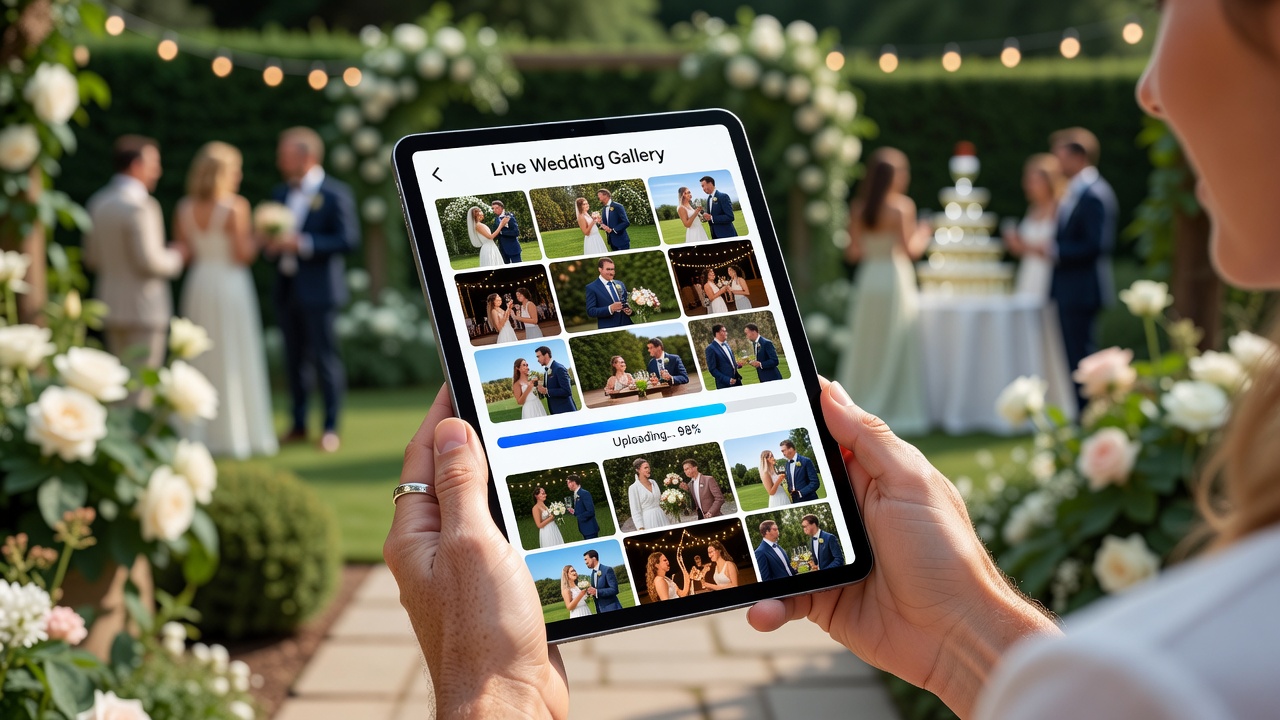
Your wedding day flies by in a blur of vows, first dances, and candid moments you'll want to relive forever. While your professional photographer captures the formal shots, your guests are snapping hundreds of genuine, unscripted moments from every angle—their perspective of your celebration. The problem? Most of those photos disappear into camera rolls, never to be shared.
Real-time wedding photo sharing solves this beautifully. Instead of chasing down guests for photos weeks later or relying on scattered social media hashtags, you can collect and display every guest's photos instantly. This guide walks you through exactly how to share wedding photos with guests in real time, from choosing the right platform to getting every guest involved seamlessly.
What Is Real-Time Wedding Photo Sharing?
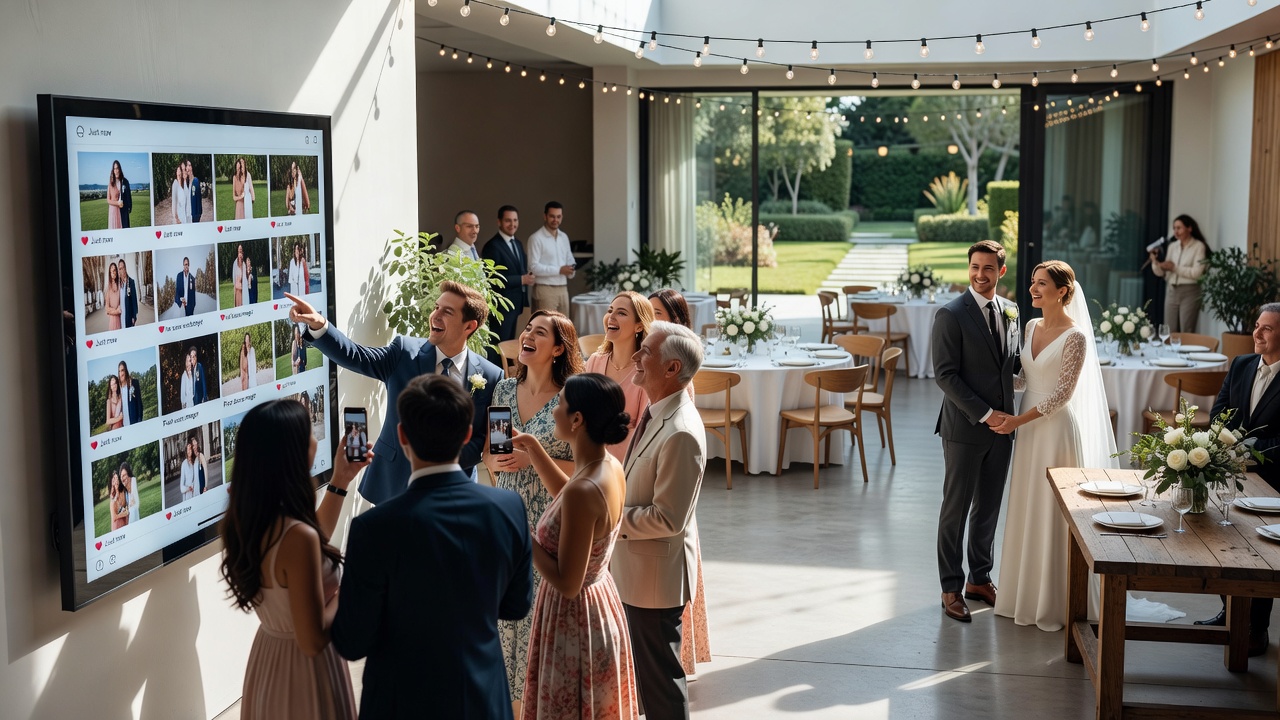
Real-time wedding photo sharing is the practice of collecting and displaying guest-taken photos instantly during your wedding event using digital platforms, apps, or services. Unlike traditional methods where guests might text you photos days later or post them sporadically on social media, real-time sharing creates a centralized, live gallery that updates continuously throughout your celebration.
The concept works through a combination of mobile-friendly platforms, QR codes, and cloud storage. Guests simply scan a code or open a shared link, upload their photos from their phones, and see everyone's contributions appear in a curated gallery within seconds. Some setups even display the live feed on screens around your venue, creating an interactive photo wall that becomes part of your décor.
Best Methods and Platforms for Live Wedding Photo Galleries
Several approaches exist for sharing wedding photos with guests in real time, each with distinct advantages depending on your budget, technical comfort, and desired guest experience.
QR Code Photo Galleries
QR code galleries are the most streamlined option for modern weddings. Services like WedPics, WeddingWire's Guestbook, The Guest by WeddingWire, and dedicated platforms like Withjoy and Zola create personalized galleries linked to unique QR codes. You print the code on table cards, ceremony programs, or display it on signage. Guests scan, upload, and view without downloading anything.
Pros: No app downloads required, instant access, easy for guests of all ages, works with any smartphone.
Cons: Requires stable Wi-Fi or cellular data at venue; some services charge for premium features like unlimited storage or HD downloads.
Dedicated Wedding Photo Apps
Specialized wedding photo apps like Wedding Photo Swap, Eversnap, and The Guest offer built-in features beyond simple galleries. They include moderation tools, automatic backup, guest messaging, and even AI-powered photo sorting that groups images by moment (ceremony, reception, dancing).
Pros: Built-in wedding-specific features, guest engagement tools, professional-quality organization.
Cons: Requires guests to download an app; some older guests may find this barrier frustrating.
Social Media Hashtag Feeds
Creating a custom wedding hashtag (#SmithWedding2026, #ForeverJohnson) and encouraging guests to post on Instagram or Facebook creates a free, organic photo collection. Tools like Tagboard or Walls.io can aggregate hashtagged posts into a live display.
Pros: Completely free, guests already know how to use Instagram, creates organic social buzz.
Cons: Not truly private—anyone can see your hashtag; requires guests to have social accounts; no control over content quality; delayed or missing posts due to algorithm filtering.
Live Photo Walls and Digital Displays
For maximum visual impact, pair your gallery with a live photo wall displayed on TVs or projection screens. Services like Social Wall Pro, Everwall, or even simple Chromecast setups can stream uploaded photos in real time, creating an ever-changing digital collage that guests love watching.
Pros: Creates entertainment and décor simultaneously; guests see their photos immediately; highly engaging.
Cons: Requires AV equipment rental or venue support; needs dedicated screen space; moderation essential to avoid inappropriate uploads.
Cloud Storage Shared Folders
Simple Google Drive, Dropbox, or iCloud shared folders work for minimalist couples. Generate a shareable link, distribute it via invitations or signage, and let guests upload directly.
Pros: Free, unlimited storage (within plan limits), permanent archive, no third-party wedding service required.
Cons: No real-time viewing experience; guests see a file list rather than a beautiful gallery; requires manual organization afterward.
Step-by-Step Setup Guide: Creating Your Live Wedding Photo Gallery
Follow these steps to set up real-time photo sharing that actually works without disrupting your wedding flow.
Step 1: Choose Your Platform (4-6 Weeks Before)
Select your sharing method based on your guest demographics and technical comfort. QR code galleries or wedding-specific apps work best for mixed-age guest lists. If your crowd is tech-savvy and social-media active, a hashtag approach might suffice. For luxury weddings with AV budgets, consider a live photo wall.
Action items:
- Create accounts and test upload/download functionality
- Verify mobile browser compatibility on iOS and Android
- Check if your venue has reliable Wi-Fi or strong cellular coverage
- Confirm backup internet options (mobile hotspot) if venue connectivity is weak
Step 2: Generate and Customize Your Access Point (3-4 Weeks Before)
Generate your QR code or custom link. Most platforms automatically create these. Customize your gallery URL to be memorable (yourwedding.pics/smith-johnson) rather than a random string.
Design your QR code display:
- Choose colors matching your wedding palette
- Include brief instructions: "Scan to share and see photos!"
- Make the code at least 2x2 inches for reliable scanning
- Add your wedding date and names for personalization
Step 3: Integrate Into Wedding Stationery and Décor (2-3 Weeks Before)
Place QR codes where guests naturally see them without hunting:
- Table numbers or centerpieces (small tent cards)
- Ceremony programs (bottom corner)
- Welcome sign at reception entrance
- Bathroom mirrors (surprisingly effective for reminders)
- Bar area or cocktail tables
- Photo booth frame or backdrop if you have one
Print at least 15-20 physical displays for venues with multiple rooms or outdoor spaces.
Step 4: Brief Your Wedding Party (1 Week Before)
Ask your wedding party to be "photo sharing ambassadors." When they upload photos early in the event, other guests see activity and follow suit. Have them demonstrate scanning during cocktail hour when guests are relaxed and observant.
Step 5: Test Everything Day-Before
Run a complete test at your venue:
- Scan every QR code from different phone models
- Upload test photos using both cellular data and venue Wi-Fi
- Verify gallery displays correctly on mobile
- If using a live photo wall, confirm screen connections and streaming
- Test moderation features—know how to remove inappropriate content instantly
Step 6: Activate During the Event
Ask your officiant, DJ, or emcee to announce the photo gallery once during cocktail hour and again at reception start. A simple script: "We'd love to see your perspective tonight! Scan the QR code on your table to share photos instantly and see everyone else's moments in real time."
Monitor uploads periodically if using a live photo wall display, or designate a tech-savvy guest to moderate.
Step 7: Download and Archive (Within 48 Hours After)
Download your complete gallery while the sharing link is active. Some platforms expire free galleries after 30-90 days. Back up to cloud storage, create a shared album for guests who missed the live event, and consider printing a photo book of candid guest moments.
Guest Instructions: How to Share Wedding Photos in Real Time
Make participation effortless with clear, brief instructions placed alongside your QR codes. Here's a template you can adapt:
"Share Your Moments!"
- Scan the QR code with your phone camera
- Open the gallery link that appears
- Tap "Upload Photos" and select your favorites
- Watch everyone's photos appear in the live gallery
- Download any photos you love before [DATE]
For guests less comfortable with technology:
- No app download needed—works in any web browser
- Photos upload best when connected to Wi-Fi (network: [NAME], password: [PASSWORD])
- Ask any bridal party member for help—they're ready to assist
- You can upload photos after the event too; the gallery stays open until [DATE]
Real-Time Photo Sharing Etiquette and Considerations
Instant sharing comes with responsibilities. Address these proactively to protect your guests' comfort and your wedding's tone.
Privacy and Consent
Not every guest wants their photo broadcast instantly. Consider adding a note: "By uploading, you agree to share photos with wedding guests. Please be respectful—avoid posting images of guests who may prefer privacy." If you know specific guests are private (colleagues, distant relatives), brief your ambassador team to be mindful.
Content Moderation
Assign someone to moderate uploads if using a live photo wall. A well-meaning guest might upload a blurry photo of someone mid-bite or an embarrassing dance move. Most platforms allow instant deletion. For public hashtag feeds, remember you cannot control what appears.
Photographer Coordination
Alert your professional photographer that you're using real-time guest sharing. Some photographers prefer guests avoid flash photography during formal shots, or they may incorporate the live gallery into their own workflow. Respect their professional boundaries while encouraging guest participation during less formal moments.
Timing and Flow
Announce photo sharing during cocktail hour and early reception when guests are relaxed and social. Avoid asking during ceremony, vows, first dance, or speeches—moments requiring full attention. The best candid photos happen naturally when guests aren't directed to perform for cameras.
Backup Plans
Technology fails. Prepare alternatives:
- Designate a "photo collector" guest who gathers AirDrops or texts throughout the night
- Keep airdrop or Bluetooth sharing active on a designated device
- Provide disposable cameras at tables as charming low-tech backup
- Ensure your professional photographer captures group shots even if guest sharing fails
Wi-Fi and Connectivity
Verify your venue's internet capabilities during your final walkthrough. Rural venues, barns, beaches, and historic buildings often have spotty coverage. If connectivity is uncertain, rent a mobile hotspot as backup or choose a platform that works offline with later sync.
Key Takeaways
- QR code galleries offer the easiest guest experience—no apps required, instant access from any smartphone
- Place QR codes on table cards, welcome signs, and bar areas for maximum visibility
- Test your platform, Wi-Fi, and QR codes at the venue the day before your wedding
- Ask your wedding party to upload early photos to encourage guest participation
- Enable moderation for live photo walls and brief someone on managing uploads
- Download and back up your complete gallery within 48 hours of the event
- Always have a low-tech backup plan for photos if technology fails
Frequently Asked Questions
What is the easiest way for wedding guests to share photos in real time?
The easiest method is a QR code-linked web gallery. Guests scan the code with their phone camera, open the link, and upload photos directly through their browser without downloading any apps. Place QR codes on table cards and venue signage for frictionless access.
Do guests need to download an app to share wedding photos?
Not necessarily. Many modern wedding photo platforms offer browser-based uploading through QR codes. However, dedicated apps like WedPics or The Guest provide additional features like automatic backup, guest messaging, and better organization if guests don't mind installing them.
How do I display a live photo wall at my wedding?
Connect your photo gallery to a live display service like Everwall, Social Wall Pro, or a simple Chromecast setup. Display the streaming gallery on TVs or projection screens around your venue. Assign someone to moderate uploads to prevent inappropriate content from appearing.
Is real-time photo sharing private or public?
Privacy depends on your chosen platform. QR code galleries and wedding apps are typically private—only guests with the link can access them. Social media hashtags are public by default. Choose password-protected galleries or invite-only links if privacy is a priority for your event.
What if my wedding venue has poor Wi-Fi?
Rent a mobile hotspot as backup internet, or choose platforms that support offline uploading with automatic sync when connectivity returns. Alternatively, place QR codes in areas with better cellular coverage, like near windows or outdoors, and inform guests they can upload photos after the event.
How much does real-time wedding photo sharing cost?
Many platforms offer free basic plans with upload limits or time restrictions. Premium plans with unlimited storage, HD downloads, and live display features typically range from $50 to $200 for wedding-specific services. Social media hashtags and cloud storage folders are completely free alternatives.
Should I hire someone to monitor the photo gallery during the wedding?
Assign a tech-savvy friend, family member, or wedding party member to check uploads periodically, especially if using a live photo wall. Most platforms make moderation simple—just a tap to remove unwanted images. You don't need a dedicated professional unless you're running a large-scale live display.
When should I announce photo sharing to guests?
Announce during cocktail hour and again at reception start when guests are relaxed and social. Avoid announcements during ceremony, vows, speeches, or first dance. Early announcements encourage more participation before guests become absorbed in conversation and dancing.
Can I use real-time photo sharing alongside my professional photographer?
Absolutely. Real-time guest sharing complements professional photography by capturing candid moments from perspectives your photographer cannot reach. Just coordinate with your photographer about any restrictions—such as no flash during formal portraits—and respect their professional boundaries.
How long should I keep the wedding photo gallery active after the event?
Keep the gallery active for at least 30 days to allow guests time to upload photos they captured and download favorites. Some platforms expire free galleries after 30-90 days, so download and back up everything within 48 hours of your wedding. Share a permanent archive link afterward using Google Photos or Dropbox.
Conclusion
Sharing wedding photos with guests in real time transforms your celebration into a collaborative, interactive experience where every guest becomes part of your visual story. Whether you choose a simple QR code gallery, a dedicated wedding app, or an elaborate live photo wall, the key is making participation effortless and enjoyable for everyone.
Start by selecting a platform that matches your guests' comfort level, test everything at your venue, and place QR codes where eyes naturally land. With a little preparation, you'll capture hundreds of genuine moments that no single photographer could achieve alone—moments you'll treasure long after the last dance.
Planning your wedding? [Internal link: related article on wedding planning timeline] or [Internal link: related article on choosing a wedding photographer] for more expert guidance.
Quick answers
- What is the easiest way for wedding guests to share photos in real time?
- The easiest method is a QR code-linked web gallery. Guests scan the code with their phone camera, open the link, and upload photos directly through their browser without downloading any apps. Place QR codes on table cards and venue signage for frictionless access.
- Do guests need to download an app to share wedding photos?
- Not necessarily. Many modern wedding photo platforms offer browser-based uploading through QR codes. However, dedicated apps like WedPics or The Guest provide additional features like automatic backup, guest messaging, and better organization if guests don't mind installing them.
- How do I display a live photo wall at my wedding?
- Connect your photo gallery to a live display service like Everwall, Social Wall Pro, or a simple Chromecast setup. Display the streaming gallery on TVs or projection screens around your venue. Assign someone to moderate uploads to prevent inappropriate content from appearing.
- Is real-time photo sharing private or public?
- Privacy depends on your chosen platform. QR code galleries and wedding apps are typically private—only guests with the link can access them. Social media hashtags are public by default. Choose password-protected galleries or invite-only links if privacy is a priority for your event.
- What if my wedding venue has poor Wi-Fi?
- Rent a mobile hotspot as backup internet, or choose platforms that support offline uploading with automatic sync when connectivity returns. Alternatively, place QR codes in areas with better cellular coverage, like near windows or outdoors, and inform guests they can upload photos after the event.
- How much does real-time wedding photo sharing cost?
- Many platforms offer free basic plans with upload limits or time restrictions. Premium plans with unlimited storage, HD downloads, and live display features typically range from $50 to $200 for wedding-specific services. Social media hashtags and cloud storage folders are completely free alternatives.
- Should I hire someone to monitor the photo gallery during the wedding?
- Assign a tech-savvy friend, family member, or wedding party member to check uploads periodically, especially if using a live photo wall. Most platforms make moderation simple—just a tap to remove unwanted images. You don't need a dedicated professional unless you're running a large-scale live display.
- When should I announce photo sharing to guests?
- Announce during cocktail hour and again at reception start when guests are relaxed and social. Avoid announcements during ceremony, vows, speeches, or first dance. Early announcements encourage more participation before guests become absorbed in conversation and dancing.
- Can I use real-time photo sharing alongside my professional photographer?
- Absolutely. Real-time guest sharing complements professional photography by capturing candid moments from perspectives your photographer cannot reach. Just coordinate with your photographer about any restrictions—such as no flash during formal portraits—and respect their professional boundaries.
- How long should I keep the wedding photo gallery active after the event?
- Keep the gallery active for at least 30 days to allow guests time to upload photos they captured and download favorites. Some platforms expire free galleries after 30-90 days, so download and back up everything within 48 hours of your wedding. Share a permanent archive link afterward using Google Photos or Dropbox.