
Blog · Wedding Planning
Should You Rent a Wedding Guest Camera? A Practical Decision Guide
Comparing the cost and practicality of renting a dedicated wedding guest camera versus using a digital solution — with a clear framework to help you decide based on your venue, guest count, and budget.
· 5 min read · WedPOV Team
Weddings are expensive, and every line item on your budget spreadsheet gets scrutinized. So when you start exploring ways to capture candid guest moments, one question comes up fast: should you rent a wedding guest camera, or just use a digital solution like a shared photo app or tablet setup? It's a genuine dilemma — the rental route feels nostalgic and tangible, while the digital route feels modern and free. But the real answer depends on factors most couples don't think about until the week of the wedding.
This guide breaks down the costs, the practical trade-offs, and the scenarios where each option shines — so you can make the right call for your specific situation instead of following a trend.
What Does It Mean to Rent a Wedding Guest Camera?
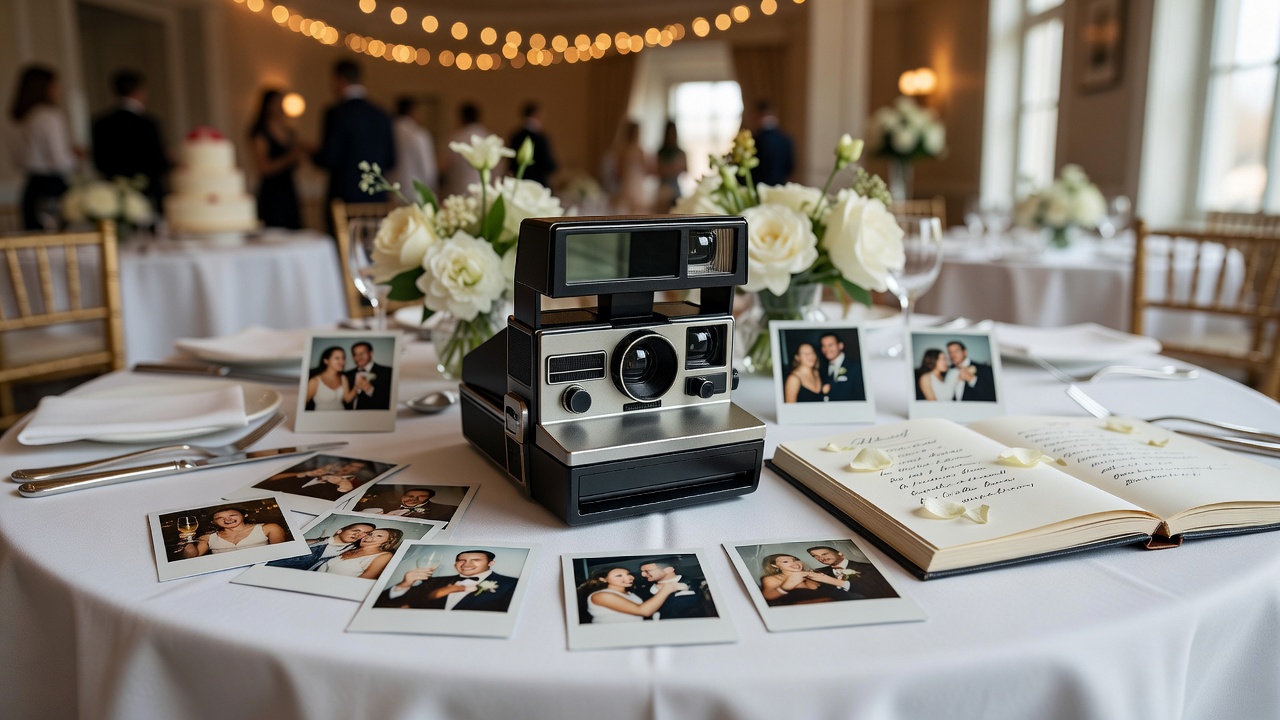
When you rent a wedding guest camera, you're typically paying for a dedicated device — usually a disposable camera, a retro instant camera (like a Polaroid or Fujifilm Instax), or a digital point-and-shoot — that gets passed around during the reception for guests to snap unposed, candid shots. The idea is that guests naturally let their guard down with a camera that isn't their phone, and you end up with a collection of raw, authentic moments that a professional photographer might never catch.
The rental model usually includes the camera(s), film or memory cards, return shipping, and digital scans of the photos after the event. Some services also include a display table with signage and a guest book for photo mounting.
The Cost Comparison: Renting vs. Digital Solutions
Let's get straight to the numbers. Here's a side-by-side breakdown of what you can expect to spend on each approach.
| Expense | Rent Wedding Guest Camera (Rental Service) | Digital Solution (App/Tablet) |
|---|---|---|
| Hardware | $80–$250 (1–4 cameras, depending on type) | $0–$150 (tablet rental if needed; most guests use own phones) |
| Film / Processing | $40–$120 (film + development + scanning) | $0 (digital photos are free to capture) |
| Shipping & Returns | $15–$30 (round-trip shipping) | $0 |
| Display / Signage | $10–$40 (often included in rental package) | $0–$25 (print your own sign or QR code) |
| Photo Delivery Timeline | 2–4 weeks (film processing + scanning) | Instant (uploads to shared album in real time) |
| Total Estimated Cost | $145–$440 | $0–$175 |
As you can see, the digital route is significantly cheaper — often free if guests simply upload to a shared Google Photos album or use a wedding-specific app like WedBox or GuestPix. But cost isn't the only variable that matters.
When Renting a Wedding Guest Camera Actually Makes Sense
Despite the higher price tag, there are genuine scenarios where renting a dedicated camera is the better choice. Here's when it's worth the spend:
1. Your Venue Has Poor Phone Signal or No Wi-Fi
If you're getting married at a rural barn, a mountain lodge, or a destination location with spotty cell service, digital solutions that rely on cloud uploads will frustrate guests. Photos will fail to send, people will give up, and you'll end up with a half-empty shared album. A rent wedding guest camera setup sidesteps this entirely — no connectivity needed, no uploads to fail.
2. You Want a Tangible, Physical Keepsake
There's something irreplaceable about holding a stack of printed photos or flipping through a guest book with actual photo prints mounted inside. Instant cameras (Polaroid, Instax) produce physical prints on the spot — guests can stick them into a guest book and write a message next to their photo. No app delivers that tactile experience.
3. Your Guest Count Is Small (Under 60 People)
With a smaller wedding, you won't get enough volume from a digital shared album to make it feel like a rich collection. A single rented camera passed among 40 close friends and family tends to produce a tighter, more personal set of images. Small weddings are also where the rental cost feels proportionate — $150 on a 30-person guest list is more justifiable than $150 on a 200-person list where a digital app would capture ten times the photos.
4. You're Going for a Vintage or Film-Aesthetic Theme
If your wedding has a retro, film, or analog aesthetic — think 35mm film stocks, grainy prints, vintage decor — a digital photo app clashes with the vibe. Renting a film camera or instant camera reinforces the visual theme and produces photos that match your wedding's aesthetic natively, without Instagram filters.
When a Digital Solution Is the Smarter Pick
For most modern weddings, a digital solution wins on cost, convenience, and volume. Here's when you should skip the rental:
- Large guest count (100+): More guests means more phones and more photos. A digital album captures hundreds of moments at zero marginal cost.
- Budget is tight: If the photography budget is already stretched between your professional photographer and videographer, adding $200+ for rental cameras is hard to justify when a free shared album exists.
- You want photos immediately: Digital solutions deliver in real time. You can scroll through guest photos on the flight home from your honeymoon. Rental cameras require shipping, film development, and scanning — expect a 2–4 week wait.
- Tech-savvy guest list: If your guests are comfortable with apps and QR codes, adoption will be high and friction low. A shared album link in your wedding program or a QR code on each table is all you need.
Practical Considerations Beyond Cost
Setup Time
Rental cameras: Minimal setup — place cameras on tables with a small sign explaining what to do. Total time: 10 minutes. However, you need to receive the cameras 2–3 days before the wedding and pack them for return shipping the day after.
Digital solutions: Set up a shared album (Google Photos, iCloud, or wedding app) before the wedding and generate a QR code. Total time: 15 minutes, all done from your phone ahead of time. No shipping logistics.
Tech Support Needs
Rental cameras are essentially point-and-shoot — guests don't need instructions. Digital solutions sometimes require onboarding: older guests may not know how to scan a QR code or use a shared album link. Assign a tech-savvy groomsman or bridesmaid to help guests who get stuck.
Photo Delivery Timeline
This is the biggest practical difference. Digital = instant. Rental = 2–4 weeks. If you want to share guest photos on social media the next morning or include them in a next-day recap video, only digital works. If you're fine waiting and want the surprise factor of seeing photos for the first time weeks later, rental cameras deliver a delayed-delight experience that many couples actually enjoy.
Pros and Cons at a Glance
| Rent Wedding Guest Camera | Digital Solution | |
|---|---|---|
| Pros | Tangible keepsakes; no connectivity needed; fits vintage aesthetic; encourages playful, unposed shots; physical guest book integration | Free or very low cost; instant photo delivery; unlimited photo volume; no shipping logistics; easy for large guest counts |
| Cons | Higher cost ($145–$440); 2–4 week delivery; limited number of photos; film can be wasted on bad shots; shipping logistics | Requires internet/cellular; older guests may struggle; no physical prints; can feel less special; photo quality varies by phone |
The Verdict: A Simple Decision Framework
Still unsure? Use this quick framework to decide:
- Choose to rent a wedding guest camera if: You have a small wedding (under 60 guests), a venue with poor connectivity, a vintage aesthetic, or you specifically want physical photo keepsakes in a guest book.
- Choose a digital solution if: You have a large guest count, a tight budget, a venue with good Wi-Fi or cell service, and you want photos immediately after the wedding.
- Do both if your budget allows: Some couples rent one instant camera for the guest book table and also set up a digital shared album for everyone else. This hybrid approach costs $80–$150 extra but captures both the tangible and the digital — the best of both worlds.
Final Thoughts
There's no universally correct answer. The right choice depends on your venue, your guest list, your budget tier, and what kind of keepsake you value. The most important thing is to make a decision and commit to it early — whether that's ordering rental cameras three weeks ahead or setting up your shared album the night before. The worst outcome isn't picking the wrong option; it's forgetting to set up either one and ending up with no guest photos at all.
Looking for more wedding planning guidance? Check out our related articles on wedding photography budgets, must-have wedding tech tools, and how to build a wedding timeline that actually works.
Quick answers
- How much does it cost to rent a wedding guest camera?
- Expect to spend $145–$440 total, including the camera rental, film or memory cards, processing/scanning, and return shipping. Instant camera rentals (like Polaroid or Instax) tend to be on the lower end, while 35mm film camera packages cost more due to development fees.
- Can I just ask guests to use their phones instead?
- Yes — and for many weddings, that's the smartest approach. Set up a shared Google Photos or iCloud album, generate a QR code, and place it on tables. It's free, instant, and captures the highest volume of photos. The main drawback is no physical prints and reliance on cell service or Wi-Fi.
- How long does it take to get photos back from a rented camera?
- Typically 2–4 weeks. Film cameras require development and scanning, which is the main delay. Some rental services offer expedited processing for an additional fee. Digital point-and-shoot rentals can be faster if the service provides immediate digital download upon return.
- Is it worth renting a camera if I already have a professional photographer?
- It can be. Professional photographers capture posed and key moments, but guest cameras capture candid, unposed interactions that happen away from the photographer's lens. If your budget allows, a guest camera (or digital shared album) complements — rather than replaces — professional photography.