
Blog · Wedding Planning
Wedding Guest Camera for Older Guests: Easy Tips
Discover how to make wedding guest cameras accessible for grandparents and less tech-savvy relatives with simple equipment choices, welcoming stations, and inclusive photo-sharing strategies.
· 5 min read · WedPOV Team
Wedding Guest Camera for Older Guests: Making It Easy for Everyone
Quick Answer: Make wedding guest cameras accessible for older guests by choosing simple, large-button disposable or instant cameras, placing them at accessible stations with clear instructions, pairing tech-savvy guests with seniors, and explaining how to share photos afterward. These steps ensure everyone can capture memories comfortably and confidently.
Introduction: Why Inclusive Wedding Photography Matters
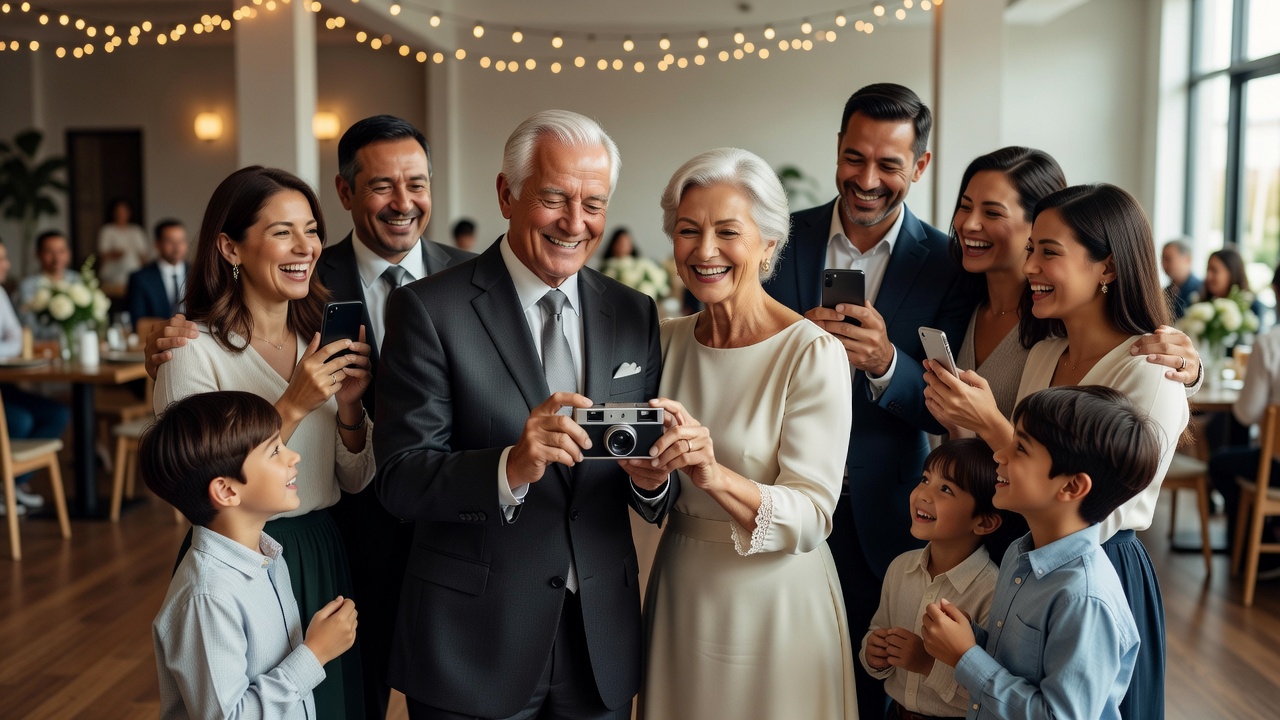
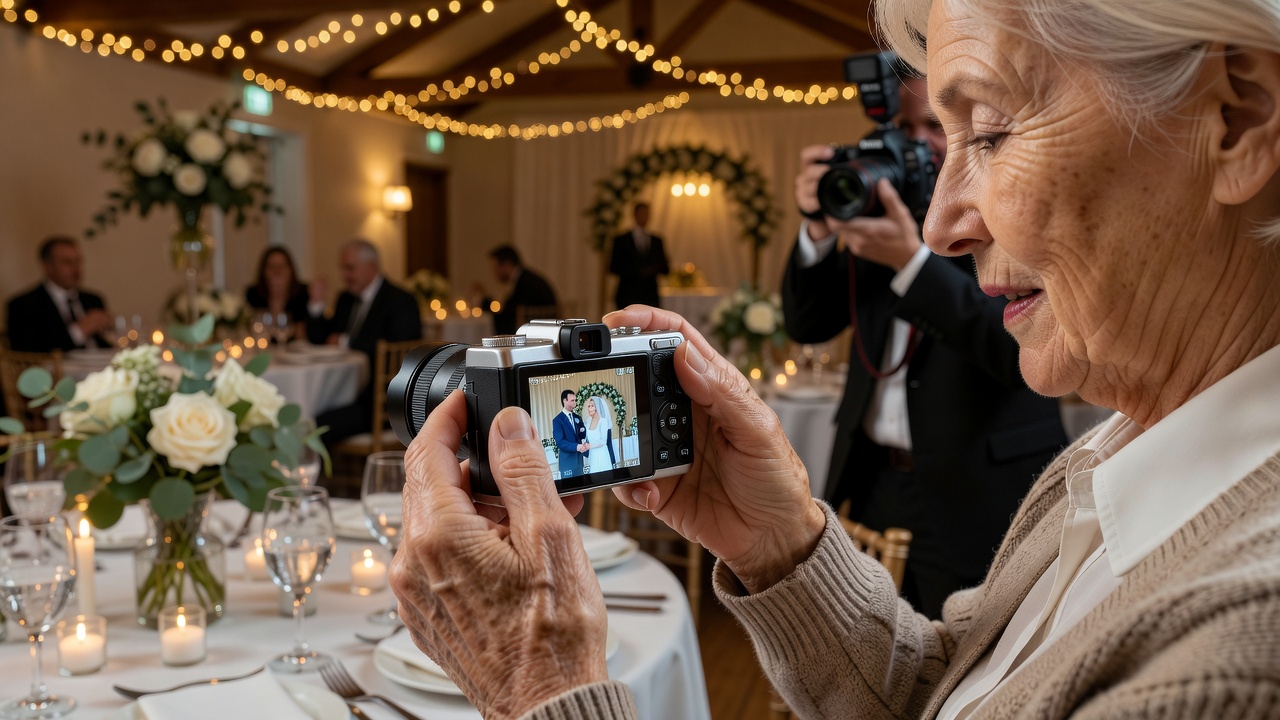
Your wedding day brings together people you love from every generation. But what happens when Grandma wants to capture a moment with your guest camera — and feels intimidated by technology? Or when your uncle with arthritis struggles with tiny buttons?
Inclusive wedding photography is not just a nice-to-have; it is essential. When you plan for wedding guest camera older guests accessibility, you create a celebration where everyone participates equally. This guide helps you choose the right equipment, set up supportive stations, and encourage every generation to join in.
We will cover practical tips, the best camera types for seniors, common mistakes to avoid, and how to make the entire experience feel effortless rather than overwhelming.

What Is a Wedding Guest Camera?
A wedding guest camera is a camera (disposable, instant, or digital) placed at your wedding for guests to use throughout the event. It captures candid moments, behind-the-scenes laughter, and group photos that your professional photographer might miss.
Modern guest cameras range from traditional disposable film cameras to instant-print cameras like Instax, to digital options with automatic settings. The goal is the same: let guests document the day from their perspective.
Why Older Guests May Struggle with Guest Cameras
Understanding common barriers helps you solve them proactively:
- Small buttons and screens — Difficult for guests with vision changes or arthritis
- Unfamiliar technology — Digital cameras or smartphones may feel foreign
- Anxiety about "doing it wrong" — Fear of breaking something or missing the shot
- Limited dexterity — Tremors or joint pain make precise movements hard
- Feeling overlooked — Older guests may assume the technology is "not for them"
Recognizing these challenges is the first step toward inclusive wedding photography that honors every guest.
Best Wedding Guest Camera Types for Older Guests
Choosing the right equipment makes all the difference. Here are the most accessible options:
1. Disposable Film Cameras — The Simplest Choice
Traditional disposable cameras remain surprisingly popular for weddings. They require zero technical knowledge: point, click, advance the film wheel. No menus, no screens, no charging.
Pros: Intuitive operation, nostalgic charm, no technical anxiety
Cons: Film developing costs, no instant preview, limited to ~27 shots
2. Instant Cameras (Fujifilm Instax, Polaroid)
Instant cameras print photos immediately, giving older guests a tangible keepsake. Most have large buttons and automatic settings.
Pros: Immediate gratification, simple controls, physical photos to take home
Cons: Film packs can be expensive, larger size than disposables
3. Senior-Friendly Digital Point-and-Shoot Cameras
Some modern digital cameras are designed with seniors in mind: larger buttons, bigger LCD screens, automatic modes, and ergonomic grips.
Pros: Multiple shots, zoom capability, digital sharing options
Cons: Requires basic instruction, battery management
4. Smartphone Apps with Simplified Interfaces
If your older guests are comfortable with smartphones, consider apps with large buttons and guided prompts. However, this option works only for guests already familiar with smartphones.
| Camera Type | Ease of Use | Cost | Best For |
|---|---|---|---|
| Disposable Film | ★★★★★ | $15-25 each | Guests with zero tech comfort |
| Instant (Instax) | ★★★★☆ | $70-120 + film | Guests who want instant keepsakes |
| Senior Digital | ★★★☆☆ | $50-150 | Guests with some tech experience |
| Smartphone App | ★★☆☆☆ | Free-$5 | Smartphone-comfortable seniors |
How to Set Up Accessible Camera Stations
Even the simplest camera needs a welcoming setup. Here is how to create stations that invite older guests to participate:
Choose High-Traffic, Accessible Locations
Place camera stations near seating areas, not in crowded corners. Ensure tables are at a comfortable height for guests who may use wheelchairs or walkers. Good lighting helps everyone see what they are doing.
Provide Large-Print, Visual Instructions
Create instruction cards with large fonts (at least 14-point), clear photos showing each step, and minimal text. Avoid jargon. A visual guide beats a paragraph every time.
Example instruction card:
- Hold camera with both hands
- Point at what you want to photograph
- Press the big button on top
- Wait for the flash
- For instant cameras: photo comes out the front
Include a "Camera Buddy" System
Assign a younger, tech-comfortable guest or family member as a "camera buddy" at each station. They can demonstrate the camera, encourage hesitant guests, and troubleshoot issues without making anyone feel embarrassed.
Offer Multiple Camera Options
Not every guest is the same. Provide both ultra-simple disposables and slightly more advanced instant cameras so guests can self-select based on their comfort level.
Test Everything Before the Wedding
Have a trusted family member — ideally someone in their 60s or 70s — try every camera at your stations. If they hesitate or struggle, simplify further.
Practical Tips for Encouraging Older Guests to Participate
Equipment and setup matter, but so does atmosphere. Here is how to make older guests feel genuinely welcome:
Frame It as Sharing Stories, Not Using Technology
Instead of saying "here is a camera for you to use," say "we would love your perspective on the day." This reframes the task as valued participation rather than a tech challenge.
Start with a Demonstration at the Reception
During cocktail hour or early reception, have your camera buddy give a quick, lighthearted demo. Show how easy it is. Laugh about how simple the camera is. Remove the fear of the unknown.
Capture Group Photos Together
Organize a group photo moment where you hand cameras to older guests and invite them to take turns being the photographer. Shared experiences reduce individual pressure.
Praise Their Contributions
When you review photos later, mention the shots your older guests captured. "Grandma got the best photo of the cake cutting!" validates their participation and encourages them next time.
Provide Physical Photo Albums Later
After the wedding, create a small printed album of the best guest photos and gift it to older relatives. This tangible result reinforces that their contributions mattered.
Common Mistakes to Avoid
Even well-meaning couples can accidentally exclude older guests. Avoid these pitfalls:
- Assuming all older guests are tech-averse — Some grandparents are Instagram-savvy; others have never held a smartphone. Offer choices, not assumptions.
- Using only smartphone-based photo-sharing apps — If your guest camera system requires downloading an app, older guests may skip it entirely.
- Placing stations in awkward locations — Standing-only areas, dim corners, or crowded spots discourage participation.
- Overwhelming with too many options — One or two camera types are enough. Too many choices create decision paralysis.
- Forgetting about post-wedding sharing — Older guests may not use Dropbox or Google Drive. Plan how to share photos in ways they can access.
How to Collect and Share Photos After the Wedding
Participation does not end when the wedding does. Here is how to ensure older guests see the photos they helped create:
For Disposable and Film Cameras
Develop the film and create physical prints. Mail a small photo album or a set of prints to older relatives who contributed. Include a handwritten thank-you note mentioning their specific photos.
For Instant Cameras
Guests already have physical prints. Consider scanning the best instant photos and emailing a digital album to family members who are comfortable with email.
For Digital Cameras
Transfer photos to a USB drive and mail it with printed highlights. For guests comfortable with email, send a link to a simple online gallery — but always provide a physical option too.
Create a Shared Family Photo Book
Services like Shutterfly or Mixbook let you compile guest photos into a professional album. Gift copies to grandparents and older relatives as a lasting keepsake.
Key Takeaways
- Choose simple cameras — Disposable film or instant cameras are the most accessible for older guests
- Set up welcoming stations — Accessible locations, large-print instructions, and good lighting invite participation
- Use camera buddies — Pair tech-comfortable guests with seniors for encouragement and support
- Frame participation positively — Emphasize sharing memories, not mastering technology
- Plan inclusive photo sharing — Physical prints and albums matter more than cloud links for many older guests
- Test everything beforehand — Have a senior family member trial your setup before the big day
- Avoid assumptions — Offer options without stereotyping; some grandparents are tech-comfortable, others are not
Frequently Asked Questions
What is the easiest wedding guest camera for older guests?
Disposable film cameras are the easiest because they require no learning curve: guests simply point and press a button. There are no menus, batteries to charge, or settings to adjust.
How many cameras should I provide for my wedding?
Plan for one camera per table of 8-10 guests, or roughly one camera for every 10-15 guests. For older guests, place dedicated stations near seating areas so they do not need to walk far.
Should I use a smartphone app for wedding guest photos?
Smartphone apps work well for tech-comfortable guests but may exclude older relatives. If you use an app, always provide a non-digital alternative like disposable cameras at accessible stations.
How do I help older guests who feel anxious about using a camera?
Reframe the activity as sharing memories rather than using technology. Provide a brief demonstration, pair them with a patient younger family member, and assure them there is no wrong way to participate.
What if an older guest has arthritis or limited hand mobility?
Choose cameras with large, easy-to-press buttons and ergonomic grips. Avoid tiny digital cameras. Place cameras on stable surfaces where guests can use both hands comfortably.
How can I share photos with guests who do not use email or cloud storage?
Create physical prints or a printed photo album. Mail them to older relatives with a handwritten note. Many seniors treasure physical photos far more than digital files.
Are instant cameras like Instax worth the cost for weddings?
Yes, for many couples. Instant cameras give guests immediate keepsakes and are simple to operate. The film cost (roughly $0.70-$1.00 per photo) is comparable to disposable camera developing fees.
Can I mix different types of wedding guest cameras?
Absolutely. Offering both disposable film cameras and instant cameras lets guests choose their comfort level. Label each station clearly so guests know what to expect.
When should I set up the camera stations?
Set up stations before guests arrive, ideally during the cocktail hour or early reception. Have your camera buddy stationed nearby to offer help before guests even ask.
Should I include a photo guest book alongside cameras?
A photo guest book where guests can paste instant prints and write messages is a wonderful addition. It gives older guests a clear purpose and a tangible result they can see immediately.
Conclusion: Every Guest Deserves to Be Part of the Story
Your wedding is a story told by everyone who attends. When you plan for wedding guest camera older guests accessibility, you ensure that grandparents, great-aunts, and family friends of every generation can contribute their unique perspective.
The best wedding photos are not always the most technically perfect. They are the candid, joyful, unexpected moments captured by the people who love you most. With simple cameras, welcoming stations, and thoughtful encouragement, you make those moments possible for everyone.
Ready to make your wedding photography truly inclusive? Start by choosing one or two simple camera types, designing large-print instruction cards, and recruiting a few friendly camera buddies. Your older guests will thank you — and you will treasure the memories they capture.
[Internal link: related article on wedding photography tips for beginners]
[Internal link: related article on choosing the best disposable cameras for weddings]
[External link: authoritative source on inclusive event planning from AARP]
[External link: authoritative source on senior-friendly technology from National Institute on Aging]
Quick answers
- What is the easiest wedding guest camera for older guests?
- Disposable film cameras are the easiest because they require no learning curve: guests simply point and press a button. There are no menus, batteries to charge, or settings to adjust.
- How many cameras should I provide for my wedding?
- Plan for one camera per table of 8-10 guests, or roughly one camera for every 10-15 guests. For older guests, place dedicated stations near seating areas so they do not need to walk far.
- Should I use a smartphone app for wedding guest photos?
- Smartphone apps work well for tech-comfortable guests but may exclude older relatives. If you use an app, always provide a non-digital alternative like disposable cameras at accessible stations.
- How do I help older guests who feel anxious about using a camera?
- Reframe the activity as sharing memories rather than using technology. Provide a brief demonstration, pair them with a patient younger family member, and assure them there is no wrong way to participate.
- What if an older guest has arthritis or limited hand mobility?
- Choose cameras with large, easy-to-press buttons and ergonomic grips. Avoid tiny digital cameras. Place cameras on stable surfaces where guests can use both hands comfortably.
- How can I share photos with guests who do not use email or cloud storage?
- Create physical prints or a printed photo album. Mail them to older relatives with a handwritten note. Many seniors treasure physical photos far more than digital files.
- Are instant cameras like Instax worth the cost for weddings?
- Yes, for many couples. Instant cameras give guests immediate keepsakes and are simple to operate. The film cost (roughly $0.70-$1.00 per photo) is comparable to disposable camera developing fees.
- Can I mix different types of wedding guest cameras?
- Absolutely. Offering both disposable film cameras and instant cameras lets guests choose their comfort level. Label each station clearly so guests know what to expect.
- When should I set up the camera stations?
- Set up stations before guests arrive, ideally during the cocktail hour or early reception. Have your camera buddy stationed nearby to offer help before guests even ask.
- Should I include a photo guest book alongside cameras?
- A photo guest book where guests can paste instant prints and write messages is a wonderful addition. It gives older guests a clear purpose and a tangible result they can see immediately.