
Blog · Wedding Planning
Wedding Photo Sharing Without App: Complete Guide
Discover effortless ways to collect wedding guest photos without making anyone download an app. From QR codes to shared galleries, this guide covers modern no-app solutions and how WedPOV simplifies the entire process.
· 5 min read · WedPOV Team

Wedding Photo Sharing Without App: The Modern Couple's Complete Guide
Quick Answer: You can collect wedding photos from guests without an app by using QR codes that open instant upload links, shared web galleries guests access through their phone browsers, or dedicated wedding photo platforms like WedPOV that require zero downloads and work on any smartphone.
Introduction: Why Couples Want No-App Wedding Photo Sharing
Your wedding day is one of the most photographed events of your life—but not by your photographer alone. Your guests are capturing candid moments, funny dance floor shots, and emotional reactions you'd otherwise miss.
The problem? Getting those photos from everyone's phones has traditionally been a hassle. Disappearing disposable cameras. Instagram hashtags that half your guests forget to use. Shared album links that expire or require app installations.
If you're planning a wedding and searching for wedding photo sharing without app solutions, you're not alone. Modern couples want frictionless ways to gather wedding guest photos that work for every generation of guest—from your tech-savvy college friends to your grandparents who just learned to text.
This guide covers everything: how QR code wedding photos work, what shared wedding galleries look like in practice, honest comparisons with traditional methods, and how WedPOV solves the no-app photo sharing puzzle.
What Is No-App Wedding Photo Sharing?
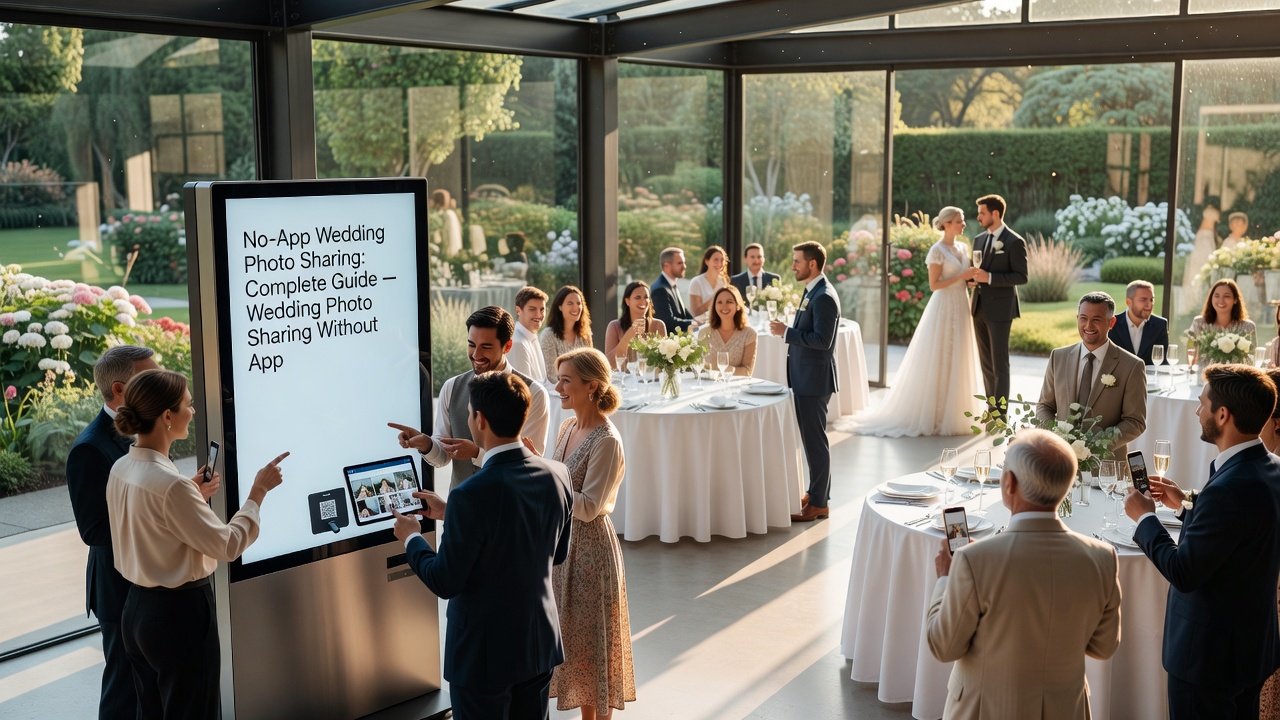
No-app wedding photo sharing without app means collecting photos from guests using methods that don't require downloading, installing, or signing up for mobile applications. Instead, guests use tools already on their phones: cameras, web browsers, text messaging, or QR code scanners.
The core principle is reducing friction. Every additional step—download this, create an account, remember a password—dramatically reduces participation. The best no app photo sharing methods feel invisible to guests while delivering complete galleries to couples.
QR Code Wedding Photos: The Scan-and-Upload Method
QR code wedding photos have become the most popular no-app solution because they combine simplicity with immediacy.
How QR Code Photo Sharing Works
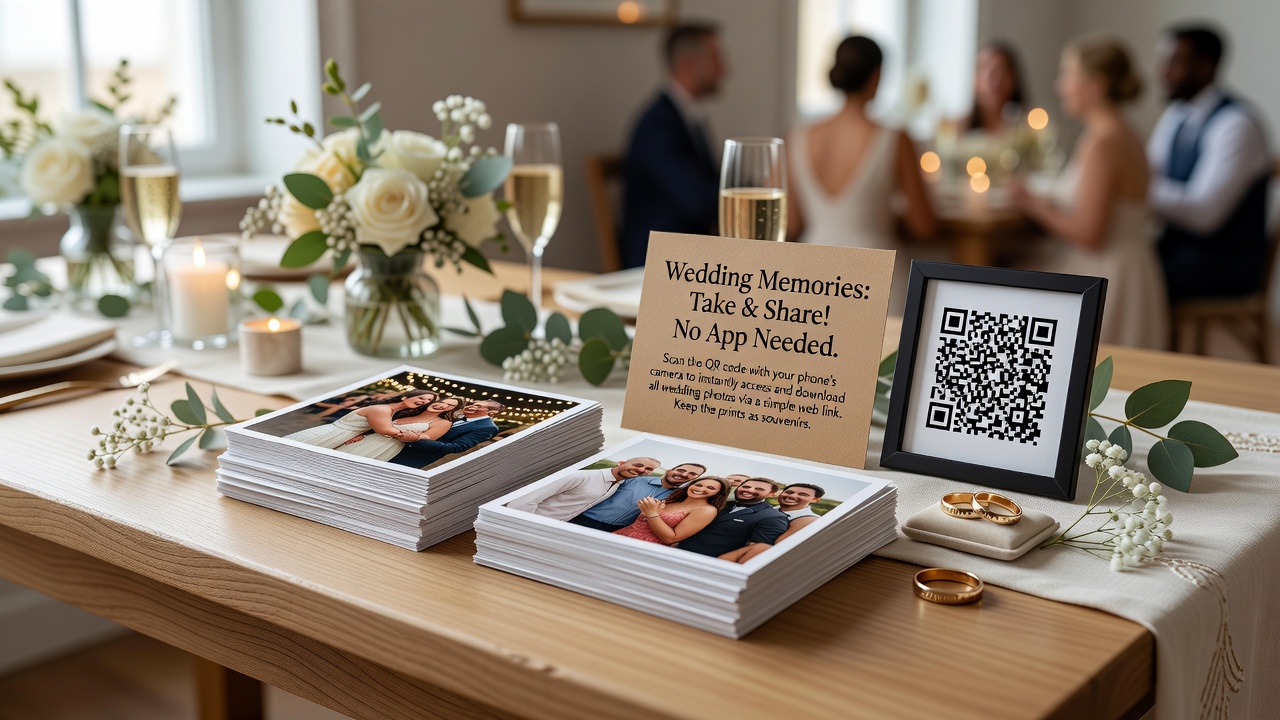
Guests scan a QR code displayed at your wedding—on table cards, signage, or napkins—which opens a direct upload link in their phone's web browser. They select photos from their camera roll and tap upload. No app stores, no accounts, no learning curve.
The technical process takes under 30 seconds: scan → open browser → choose photos → upload. Guests who've never used QR codes before can figure it out with a single prompt from your emcee or a sign that says "Scan to share your photos!"
Advantages of QR Code Photo Sharing
- Universal compatibility: Works on iPhones, Android phones, and even older smartphones with camera apps
- Zero downloads: Opens directly in the browser guests already use
- Instant access: No typing long URLs or searching for album names
- Scalable: Multiple guests can scan simultaneously without capacity issues
- Real-time collection: Photos appear in your gallery as guests upload them
Pro Tips for QR Code Success
Place QR codes strategically where guests naturally have their phones: welcome table signage, table centerpieces, bar areas, and photo booth stations. Include brief instructions—"Scan to upload your photos instantly"—so guests know what happens after scanning.
Test your QR code on multiple phone types before the wedding. Ensure the link loads quickly and the upload interface is thumb-friendly. A clunky mobile experience defeats the purpose of wedding photo sharing without app simplicity.
Shared Wedding Galleries: Browser-Based Photo Collection
Shared wedding galleries represent the next evolution in guest photo collection. Rather than sending individual photos through text or email, guests contribute to a centralized, real-time gallery accessible through any web browser.
How Shared Galleries Function
Couples receive a unique gallery URL—something like wedpov.com/gallery/your-names—that guests visit by typing the link or accessing it through a QR code. The gallery displays all uploaded photos in chronological order, creating a collaborative visual story of the day.
Modern shared galleries include features guests expect: photo viewing, simple uploads, and sometimes light interaction like favoriting or commenting. The key difference from social media albums? Privacy. Your wedding guest photos stay within your invited circle, not broadcast to public networks.
What Makes a Good Shared Gallery
The best shared wedding gallery platforms prioritize mobile-first design because 90% of guests upload from phones. Look for galleries that load quickly, display photos attractively, and make uploading intuitive enough that guests don't abandon halfway through.
Gallery longevity matters too. Some platforms delete galleries after 30 days; others keep them indefinitely. If you want to revisit photos on anniversaries or share them with future family members, choose a platform with permanent or long-term storage.
Comparing No-App Methods with Traditional Wedding Photo Collection
Understanding what wedding photo sharing without app technology replaces helps clarify why couples are moving away from older methods.
Disposable Cameras: Nostalgic but Problematic
Disposable cameras on reception tables create a fun, vintage vibe. Guests snap photos throughout the night, and you develop the film afterward hoping for gems among the blurry shots and accidental pocket portraits.
The reality: developing costs $15-25 per camera, many photos are unusable, and you wait weeks to see results. Plus, modern guests accustomed to instant digital sharing find the delay disappointing. Disposables work for aesthetic value but fail as reliable wedding guest photos collection methods.
Wedding Hashtags: Visible but Volatile
Creating #SarahAndMike2026 seems clever until you realize half your guests don't use Instagram regularly, others forget the hashtag entirely, and private accounts mean you miss their contributions anyway.
Hashtag collection depends on guest initiative and platform algorithms. You're also competing with every other wedding hashtag for visibility. While hashtags create a public album, they're inconsistent for comprehensive no app photo sharing and expose photos to anyone searching the tag.
Shared Album Links: Convenient but Fragmented
Google Photos and iCloud shared albums work technically, but they require guests to have accounts on those specific platforms. Android users struggle with iCloud links; iPhone users face Google Photos sign-in walls.
Shared album links create friction exactly when you want seamlessness. Grandma shouldn't need a Google account to share the photo she took of your first dance.
| Method | Setup Time | Guest Friction | Photo Quality | Privacy Level |
|---|---|---|---|---|
| Disposable Cameras | Low | Low | Variable | High |
| Wedding Hashtags | Low | Medium | High | Low |
| Shared Album Links | Medium | High | High | Medium |
| QR Code Upload | Low | Very Low | High | High |
| Shared Wedding Gallery | Low | Very Low | High | High |
How WedPOV Solves No-App Wedding Photo Sharing
WedPOV was built specifically for couples who want comprehensive wedding photo sharing without app complications. The platform combines QR codes, shared galleries, and guest-friendly design into one seamless system.
Instant Guest Camera Access
WedPOV's guest camera feature lets guests scan a QR code and immediately start uploading photos through their browser. No downloads, no accounts, no confusion. The interface works identically on iPhones, Android devices, and tablets.
Guests can upload multiple photos at once, add optional captions, and see their contributions appear in the live gallery within seconds. This real-time aspect encourages more participation—guests see others uploading and join in.
Beautiful Shared Gallery Experience
Your shared wedding gallery on WedPOV displays photos in an elegant, chronologically organized layout that tells the story of your day. The gallery remains accessible long after the wedding, so you can revisit memories years later or share them with children and grandchildren.
Unlike social media platforms that compress images and add compression artifacts, WedPOV preserves original photo quality. Those candid moments your guests captured retain the resolution and detail you'd expect from professional photography.
Complete Privacy Control
Your wedding photos stay private by default. Only guests with your gallery link can view and contribute. There's no public feed, no algorithmic exposure, and no risk of strangers stumbling across intimate moments from your celebration.
Simple Setup for Busy Couples
Creating your WedPOV gallery takes minutes, not hours. Visit wedpov.com/create to generate your unique gallery, customize settings, and generate QR codes for printing. The how-it-works guide walks through each step if you need help.
Pricing is straightforward and wedding-budget friendly. Check wedpov.com/pricing for current plans—most couples find the cost comparable to a few disposable cameras but with infinitely better results.
Setting Up Your No-App Wedding Photo Collection
Implementing wedding photo sharing without app technology at your wedding requires minimal preparation but pays significant dividends in photo quantity and quality.
Step 1: Choose Your Platform
Select a no-app platform like WedPOV that emphasizes mobile browser uploads and guest simplicity. Evaluate based on upload speed, gallery design, privacy features, and cost.
Step 2: Create and Customize Your Gallery
Set up your gallery 2-4 weeks before the wedding. Customize the URL, add your names and wedding date, and test the upload process on different devices.
Step 3: Generate and Display QR Codes
Create QR codes linking directly to your gallery upload page. Print them on wedding signage, table cards, or ceremony programs. Include brief instructions for guests unfamiliar with QR scanning.
Step 4: Announce During the Event
Have your emcee or officiant mention the photo sharing option during welcoming remarks. A simple "Scan the QR codes on your tables to share photos with the couple" announcement dramatically increases participation.
Step 5: Monitor and Enjoy
Check your gallery periodically throughout the event (or assign a tech-savvy friend to monitor). Watch as photos populate in real-time, capturing angles and moments your professional photographer couldn't reach.
Common Mistakes to Avoid
Even with excellent QR code wedding photos tools, couples make predictable errors that reduce guest participation.
Waiting too long to announce: Guests settle into celebration mode and stop checking phones. Mention photo sharing early when attention is highest.
Hidden QR codes: Codes tucked in program booklets or tiny table tents get overlooked. Make them visible and generously sized.
Complicated instructions: "Visit our photo sharing portal and create a temporary account" kills participation instantly. Keep instructions to "Scan to upload your photos."
Ignoring older guests: Designate a younger family member to help grandparents or less tech-comfortable relatives participate. They'll appreciate inclusion, and you'll treasure their unique perspectives.
Key Takeaways
- QR codes and shared galleries are the most reliable wedding photo sharing without app methods, combining universal phone compatibility with instant uploads
- Traditional methods like disposable cameras, hashtags, and shared album links create friction, inconsistency, or privacy concerns that modern couples want to avoid
- Guest participation increases dramatically when photo sharing requires zero downloads, no accounts, and minimal technical knowledge
- WedPOV provides purpose-built no app photo sharing with QR codes, beautiful galleries, original photo quality, and complete privacy control
- Strategic placement and clear announcements maximize the number of wedding guest photos you collect from every generation of attendee
Frequently Asked Questions
Do guests need to download an app to use QR code wedding photo sharing?
No, guests never need to download anything. QR codes for wedding photos open directly in their existing web browsers. They simply scan with their phone camera, tap the notification that appears, and upload through the browser instantly. No app store visits, no installations, no account creation, and no technical barriers whatsoever are required for participation.
Can guests upload photos after the wedding ends?
Yes, most platforms keep upload links active for several days or weeks after the event concludes. Guests often discover wonderful photos they captured while reviewing their camera rolls in the days following the wedding. They can easily add these additional shots to the shared gallery, ensuring you don't miss any memorable moments from your celebration.
Will QR code photo sharing work on older smartphones?
Any smartphone with a functional camera and web browser works perfectly for QR code wedding photos. iPhones running iOS 11 and newer versions include native QR scanning built into the camera app. Android phones manufactured within the last 6-7 years also include this capability. For truly older devices, guests can download any free QR scanner app from their app store.
How many photos can guests upload through no-app sharing?
Upload limits vary depending on the platform you choose. WedPOV allows generous uploads per guest, typically sufficient for dozens of photos from each attendee. Most wedding guests upload between 5 and 15 photos throughout the event, while enthusiastic amateur photographers often contribute 30 to 50 shots from various moments during the celebration.
Are wedding guest photos shared publicly when using QR codes?
No, reputable wedding photo sharing without app platforms maintain strict privacy controls. Galleries remain accessible only through your unique private link that you distribute to invited guests. Unlike Instagram hashtags or public social media posts, these photos are never exposed to public searches, algorithmic feeds, or strangers browsing the internet.
What if guests don't know how to scan QR codes?
Include simple visual instructions on your wedding signage that read: Open camera app, point at the code, tap the link that appears. Most guests figure out the process instinctively within seconds. For guests who remain uncertain, a brief 30-second demonstration from a tech-comfortable wedding party member or family friend resolves any confusion immediately.
Can we print photos from the shared wedding gallery?
Absolutely. Shared wedding gallery photos download at original full resolution, making them perfectly suitable for printing professional-quality albums, canvas wall art, or thank-you cards. Many couples create beautiful physical wedding albums that artfully combine their professional photographer's shots with their favorite candid moments captured by guests.
How does no-app photo sharing compare to disposable cameras in cost?
No-app sharing typically costs significantly less than disposable cameras when you factor in the purchase price ($5-15 each), developing fees ($15-25 per camera), and the reality that many disposable shots come out blurry, poorly framed, or completely unusable. Digital uploads preserve every single photo at full original quality with no developing wait or wasted prints.
Do guests need internet access at the venue?
Yes, guests need either cellular data coverage or access to the venue's WiFi network to upload photos through no app photo sharing platforms. Most modern wedding venues have adequate cell coverage throughout their facilities, but it's wise to check signal strength at your specific location during venue visits to prevent any day-of technical surprises.
Can we see who uploaded which wedding guest photos?
Many platforms display upload timestamps and sometimes uploader information when guests voluntarily choose to identify themselves during the upload process. WedPOV galleries specifically can display optional guest names or personalized captions alongside photos, creating a beautifully organized collection with clear attribution for each contributor.
Conclusion: Your Wedding Photos Deserve Better Than App Downloads
Your wedding guests want to share their photos with you. They've already captured moments you'll treasure—the genuine laugh during speeches, the dance floor chaos, the quiet conversations you missed while greeting relatives.
The question isn't whether guests will take photos. They absolutely will. The question is whether you'll successfully collect them without creating barriers that discourage participation.
Wedding photo sharing without app technology removes every obstacle between your guests' cameras and your permanent gallery. No downloads. No accounts. No technical troubleshooting during what's supposed to be a celebration.
Ready to collect every candid moment from your wedding day? Create your WedPOV gallery today and discover how effortless guest photo sharing can be.
Quick answers
- Do guests need to download an app to use QR code wedding photo sharing?
- No, guests never need to download anything. QR codes for wedding photos open directly in their existing web browsers. They simply scan with their phone camera, tap the notification that appears, and upload through the browser instantly. No app store visits, no installations, no account creation, and no technical barriers whatsoever are required for participation.
- Can guests upload photos after the wedding ends?
- Yes, most platforms keep upload links active for several days or weeks after the event concludes. Guests often discover wonderful photos they captured while reviewing their camera rolls in the days following the wedding. They can easily add these additional shots to the shared gallery, ensuring you don't miss any memorable moments from your celebration.
- Will QR code photo sharing work on older smartphones?
- Any smartphone with a functional camera and web browser works perfectly for QR code wedding photos. iPhones running iOS 11 and newer versions include native QR scanning built into the camera app. Android phones manufactured within the last 6-7 years also include this capability. For truly older devices, guests can download any free QR scanner app from their app store.
- How many photos can guests upload through no-app sharing?
- Upload limits vary depending on the platform you choose. WedPOV allows generous uploads per guest, typically sufficient for dozens of photos from each attendee. Most wedding guests upload between 5 and 15 photos throughout the event, while enthusiastic amateur photographers often contribute 30 to 50 shots from various moments during the celebration.
- Are wedding guest photos shared publicly when using QR codes?
- No, reputable wedding photo sharing without app platforms maintain strict privacy controls. Galleries remain accessible only through your unique private link that you distribute to invited guests. Unlike Instagram hashtags or public social media posts, these photos are never exposed to public searches, algorithmic feeds, or strangers browsing the internet.
- What if guests don't know how to scan QR codes?
- Include simple visual instructions on your wedding signage that read: Open camera app, point at the code, tap the link that appears. Most guests figure out the process instinctively within seconds. For guests who remain uncertain, a brief 30-second demonstration from a tech-comfortable wedding party member or family friend resolves any confusion immediately.
- Can we print photos from the shared wedding gallery?
- Absolutely. Shared wedding gallery photos download at original full resolution, making them perfectly suitable for printing professional-quality albums, canvas wall art, or thank-you cards. Many couples create beautiful physical wedding albums that artfully combine their professional photographer's shots with their favorite candid moments captured by guests.
- How does no-app photo sharing compare to disposable cameras in cost?
- No-app sharing typically costs significantly less than disposable cameras when you factor in the purchase price ($5-15 each), developing fees ($15-25 per camera), and the reality that many disposable shots come out blurry, poorly framed, or completely unusable. Digital uploads preserve every single photo at full original quality with no developing wait or wasted prints.
- Do guests need internet access at the venue?
- Yes, guests need either cellular data coverage or access to the venue's WiFi network to upload photos through no app photo sharing platforms. Most modern wedding venues have adequate cell coverage throughout their facilities, but it's wise to check signal strength at your specific location during venue visits to prevent any day-of technical surprises.
- Can we see who uploaded which wedding guest photos?
- Many platforms display upload timestamps and sometimes uploader information when guests voluntarily choose to identify themselves during the upload process. WedPOV galleries specifically can display optional guest names or personalized captions alongside photos, creating a beautifully organized collection with clear attribution for each contributor.