
Blog · Wedding Planning
Wedding QR Code Photo Sharing: The Complete 2026 Guide
Discover how wedding QR code photo sharing lets couples collect every candid moment from guests' phones in one beautiful, organized gallery—no app downloads needed.
· 5 min read · WedPOV Team
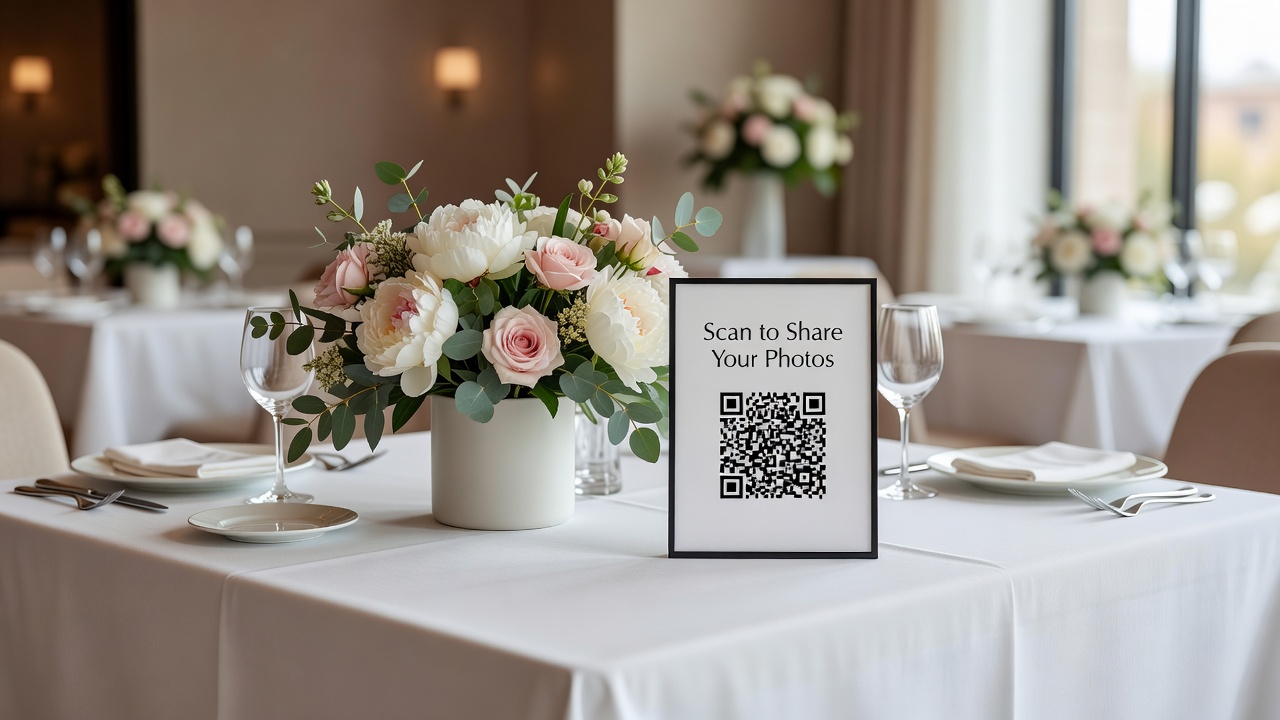
Wedding QR code photo sharing has become the easiest way for couples to gather every candid moment their guests capture. Instead of chasing people for photos after the big day, a simple QR code placed at your venue lets everyone contribute to one shared gallery—instantly.
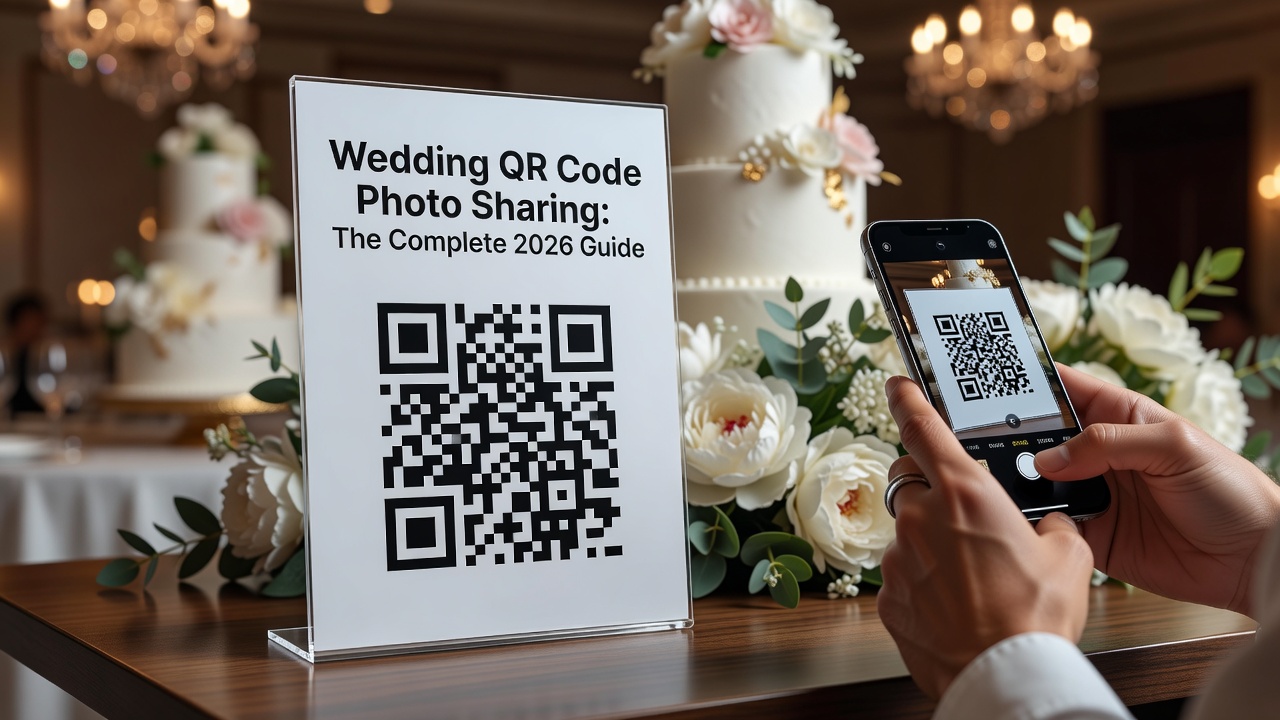
What Is Wedding QR Code Photo Sharing?
Wedding QR code photo sharing is a modern replacement for disposable cameras and hashtag hunting. Your guests scan a code with their smartphone camera, which opens a web page where they can upload photos and videos in seconds. No app downloads. No complicated logins. Just point, scan, and share.
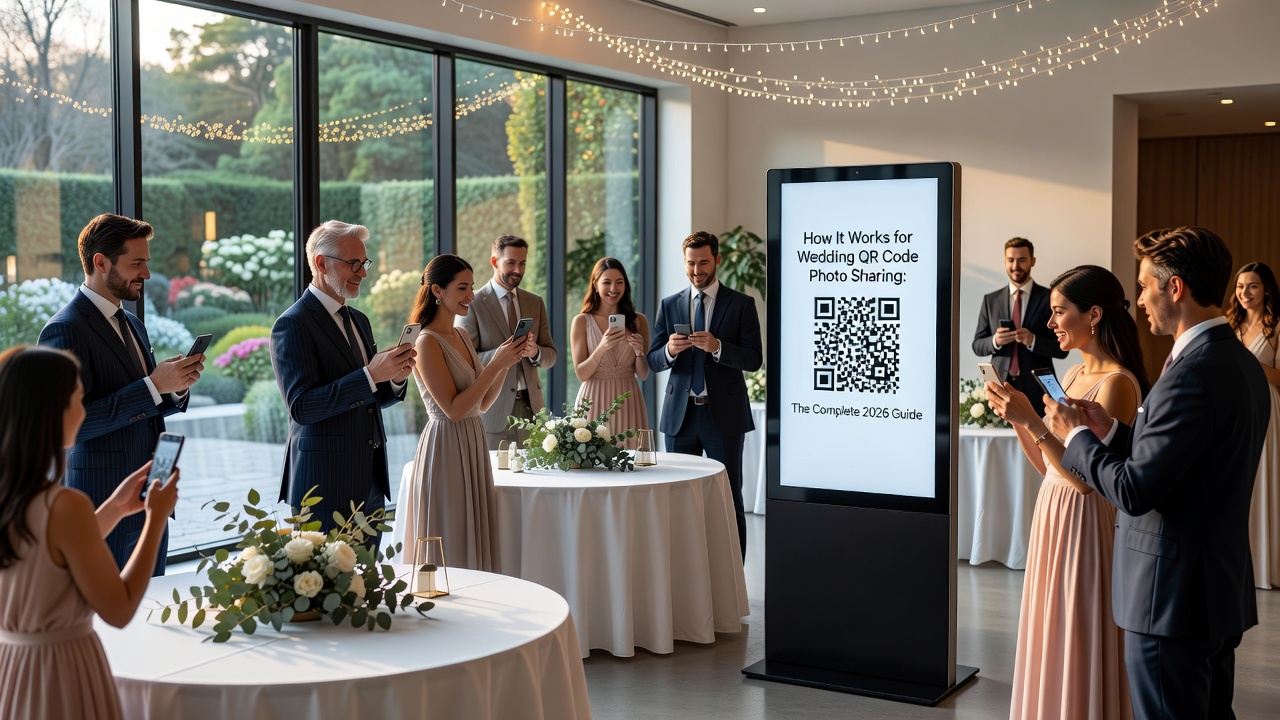
How It Works
The process is surprisingly simple:
- Generate your code: Create a QR code linked to a dedicated photo collection page.
- Display at your venue: Print it on table cards, signage, or even your wedding programs.
- Guests scan and upload: Photos go straight to a private gallery you control.
- Download everything later: Access full-resolution images from every angle of your day.
Key Benefits
Capture angles your photographer misses. While your pro shoots the formal portraits, guests catch the belly laughs, dance floor chaos, and behind-the-scenes moments you'd never see otherwise.
No tech barriers for guests. Nearly every smartphone camera reads QR codes natively now. Older relatives don't need to download anything or remember a hashtag.
Immediate uploads. Photos appear in real time, so you can see celebrations unfold even if you're busy greeting guests.
Organized from day one. All images live in one place, automatically sorted by upload time. No hunting through text threads or social media DMs later.
Step-by-Step Setup Guide
1. Choose your platform
Look for services that offer custom QR codes, unlimited uploads, and privacy controls. Some popular options include dedicated wedding photo apps and general file-sharing platforms with wedding-specific features.
2. Customize your collection page
Add your names, wedding date, and a welcome message. Set the gallery to private so only guests with the link can view uploads.
3. Generate and test your QR code
Print a test version and scan it with multiple phones (iPhone and Android) to confirm it works smoothly.
4. Design your signage
Create table tents or framed signs with clear instructions. Include a short phrase like "Scan to share your photos with us!"
5. Place codes strategically
Position codes at the entrance, on each table, near the bar, and by the photo booth. Multiple touch points maximize participation.
Best Practices for Maximum Participation
- Announce it. Have your officiant or MC mention the QR code during the reception.
- Keep it visible. Large, high-contrast codes scan faster in dim venues.
- Add a backup. Include a short URL underneath the code for manual entry.
- Assign a helper. Ask a tech-savvy friend to remind guests throughout the night.
Privacy and Safety Considerations
Not every photo belongs in a shared space. Choose a platform with moderation controls so you can review uploads before they appear publicly. Password-protect your gallery if you want extra security. And always read the terms of service—some free platforms claim licensing rights to your images.
Vendor vs. DIY: What to Know
Professional wedding QR code services often include additional features like live slideshows, print stations, and guest books that pull from uploaded photos. DIY solutions using generic file-sharing tools work fine for basic collection but lack the wedding-specific polish. Budget anywhere from free to $200 depending on features and guest count.
Common Mistakes to Avoid
Using a dark background behind your code. Contrast matters for scanning.
Forgetting to test the link. A broken QR code on your wedding day wastes everyone's effort.
Choosing a platform with upload limits. Weddings generate hundreds of images—make sure your plan handles the volume.
Not backing up the gallery. Download everything within a week of the event in case the service changes its policies.
Frequently Asked Questions
Do guests need to download an app?
No. Modern wedding QR code photo sharing works through web browsers. Guests scan, tap the link, and upload directly.
Can guests upload videos too?
Most platforms support both photos and short videos. Check your chosen service's file size limits before the wedding.
How do I keep photos private?
Use a platform with private galleries, password protection, and moderation settings. Avoid public social media hashtags if you want control over who sees your images.
What if a guest's phone can't scan QR codes?
Print a short URL below every code. Anyone can type it into their browser manually.
Conclusion
Wedding QR code photo sharing turns every guest into a photographer and ensures no memory gets lost. With a little planning and the right platform, you'll build a complete visual story of your day—from the professional shots to the candid moments you never knew happened. Start simple, test everything beforehand, and let your guests do what they already love doing: capturing memories.
Quick answers
- Do guests need to download an app to use wedding QR code photo sharing?
- No. Modern wedding QR code photo sharing works through web browsers. Guests scan the code with their phone camera, tap the link, and upload photos directly without installing anything.
- How do I keep wedding photos collected via QR code private?
- Choose a platform with private galleries, password protection, and moderation controls. Avoid public social media hashtags if you want to control who sees your images.
- Can guests upload videos through a wedding photo sharing QR code?
- Most platforms support both photos and short videos. Check your chosen service's file size limits before the wedding day.
- What if a guest's phone can't scan QR codes?
- Print a short URL below every QR code. Anyone can type the link into their browser manually if their camera doesn't support QR scanning.